
4.3 How to redeem a coupon
Mark the coupon as used the moment your customer takes advantage of it.
Web dashboard
App
At the register
-
1
Scan the coupon
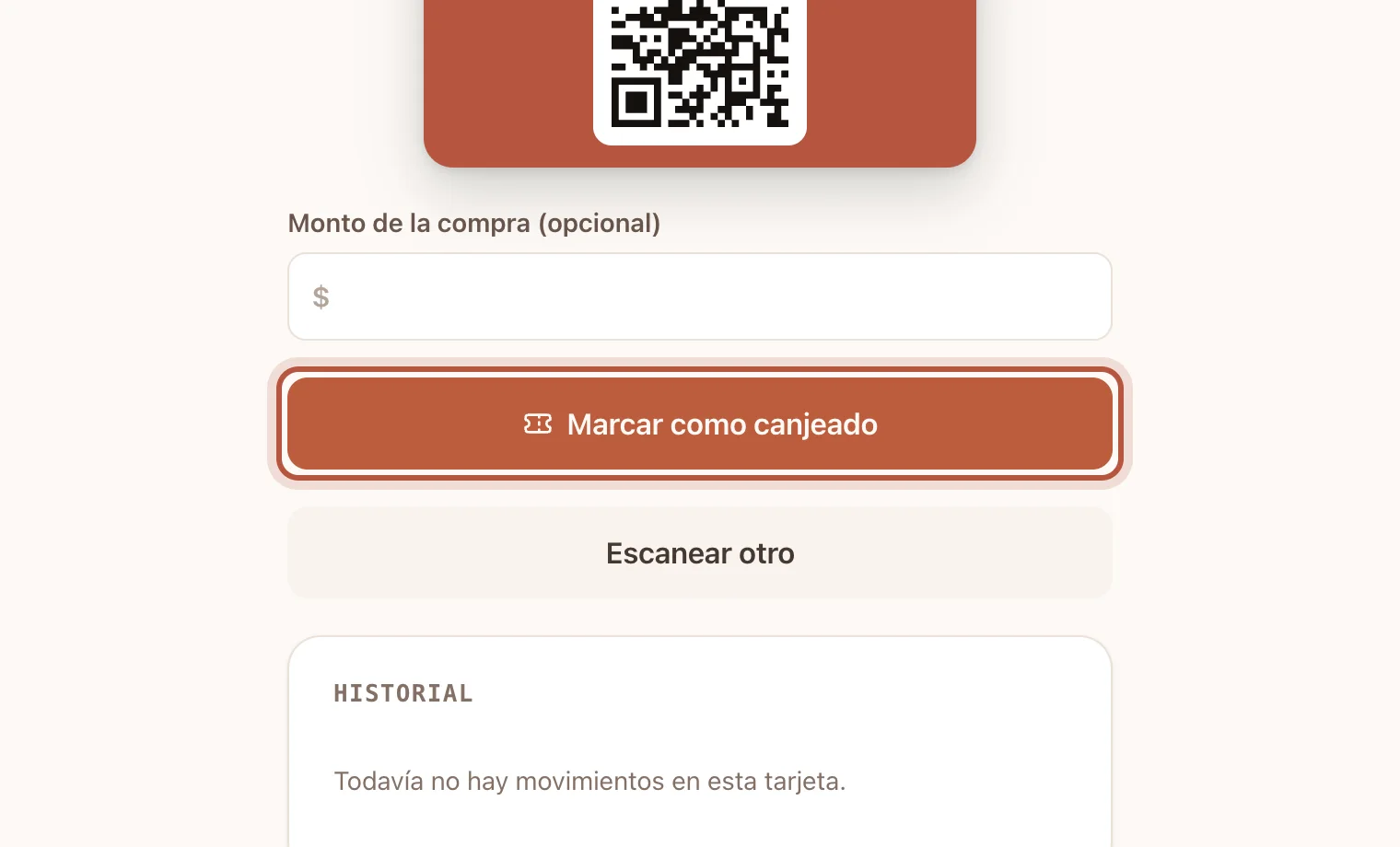
In Scanner scan the QR or look up your customer. You'll see the benefit and how many uses they have.
Web dashboard -
2
Enter the amount (optional)
In Purchase amount (optional) enter what they paid, if you want to keep track.
-
3
Tap Mark as redeemed and confirm
The coupon shows as used on their phone and in your history.
Marking a coupon as redeemed can't be undone.
Frequently asked questions
I get "Coupon unavailable". What happened?
That coupon has already been used as many times as allowed or has expired. It can't be redeemed again.