
1.1 How to change your business name
The name your customers see on their card and in every notification.
Web dashboard
App
-
1
Open Channel settings
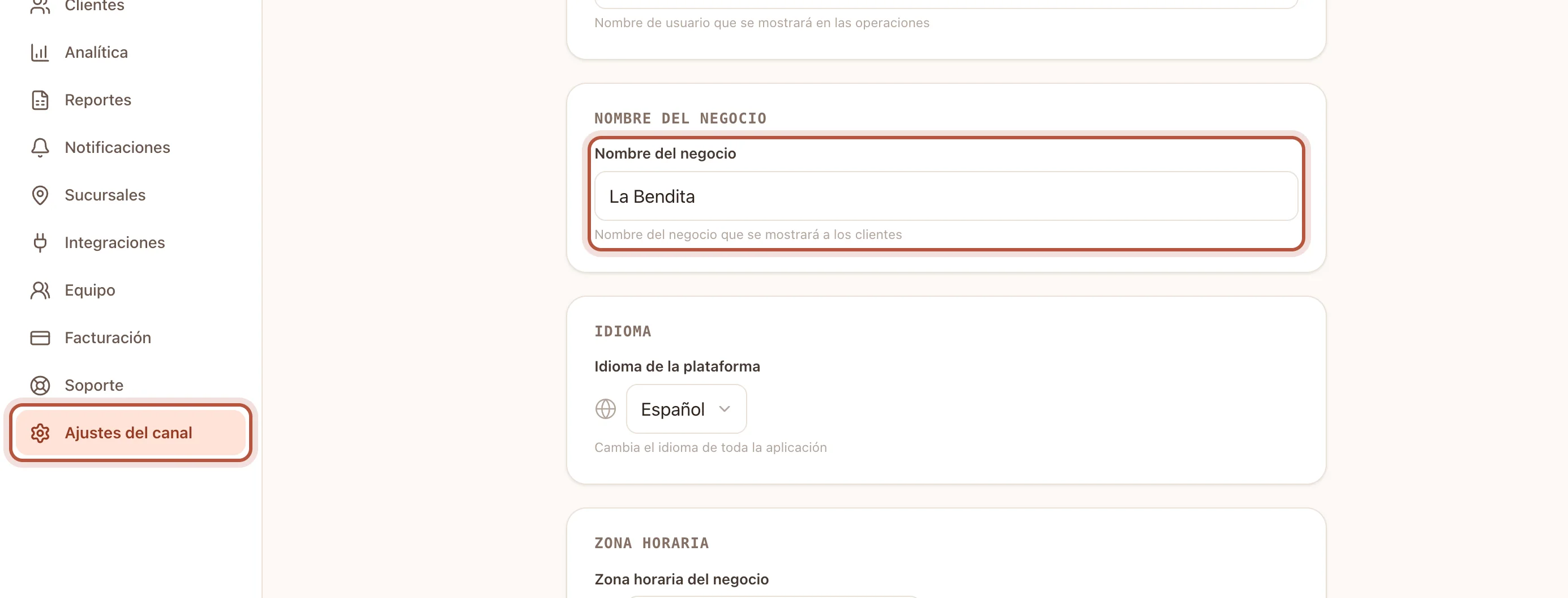
In the left menu go to Channel settings.
Web dashboard 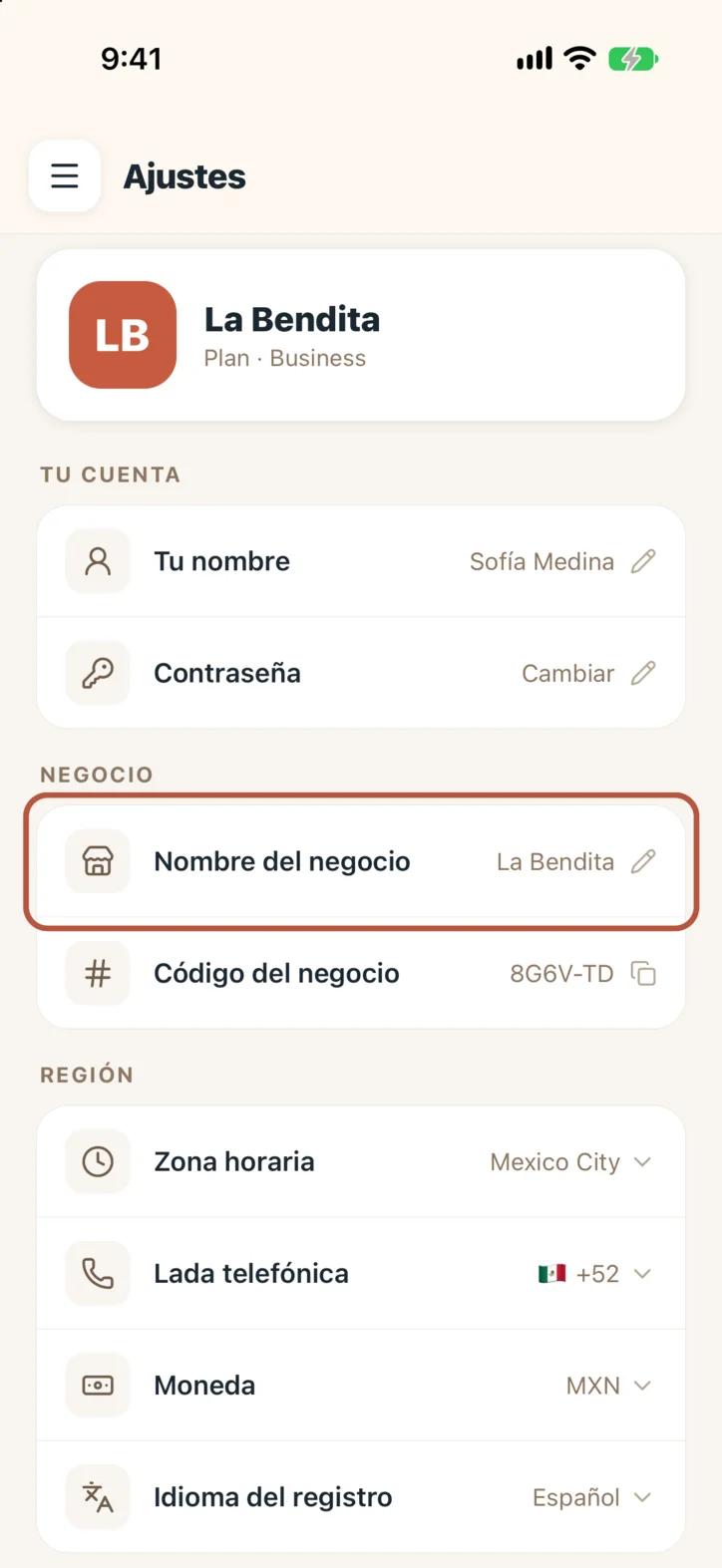
App -
2
Enter the business name
In Business name write the name exactly as you want your customers to see it, for example "La Bendita", and save.
It's the name on the Wallet card, in notifications and on the sign-up form. Use the one your customers recognize, even if your legal name is different.
-
3
Your display name
Above it, Display name is your name as a person: it's what your operators see. It doesn't appear on your customers' cards.