
8.4 How to keep notes on a customer
Preferences, follow-ups or anything useful for your team.
Web dashboard
App
At the register
-
1
Open the customer in Scanner › Customers
Look them up and tap their name. You'll see their cards and their notes.
Web dashboard -
2
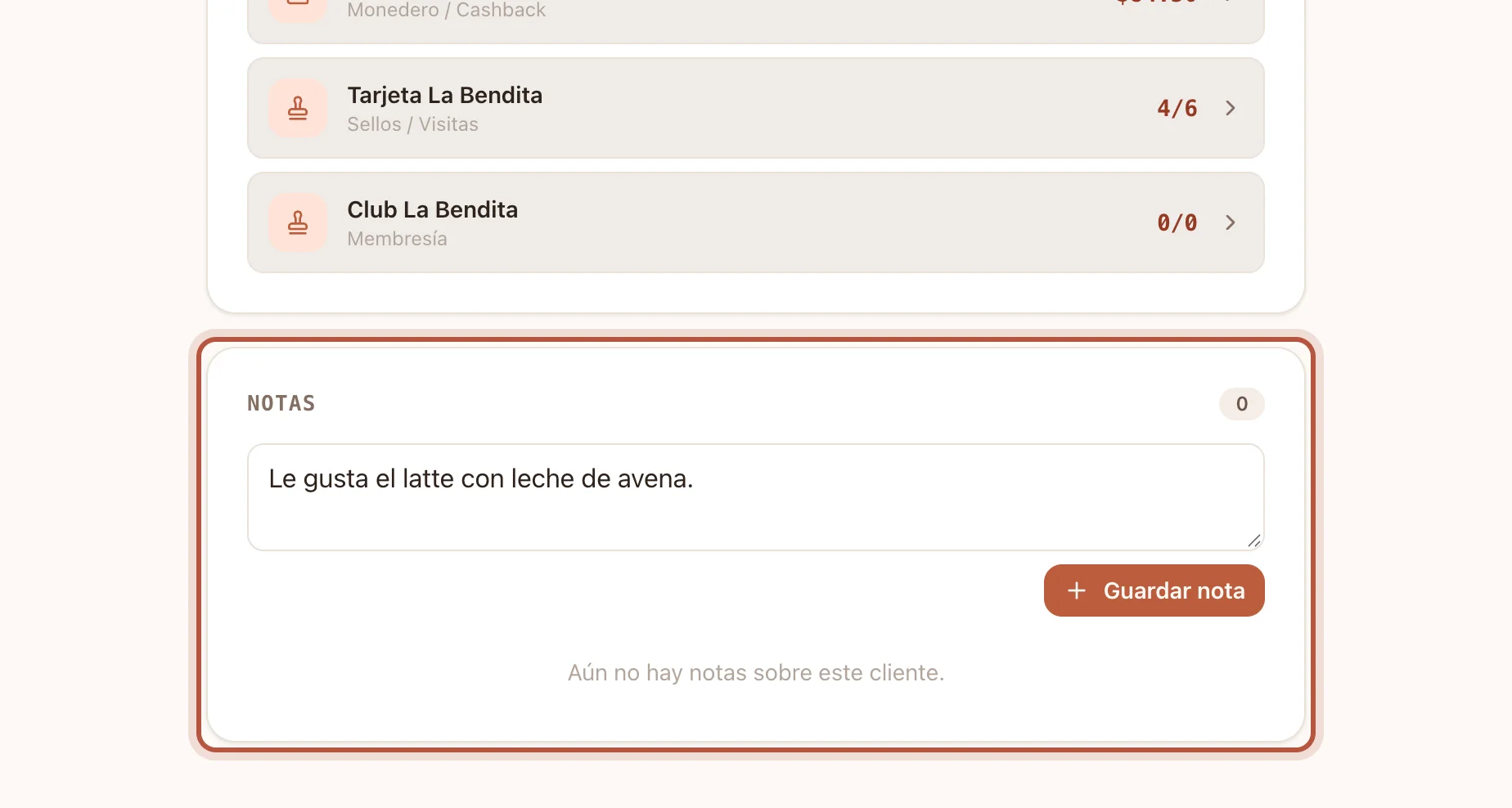
Write the note and save it
In Notes write what you want to remember ("likes oat milk") and tap Save note. Your whole team will see it next time they serve them.