
6.9 What your member sees on the check-in screen
The member scans their membership and the screen answers in big letters.
Web dashboard
-
1
Scan your membership
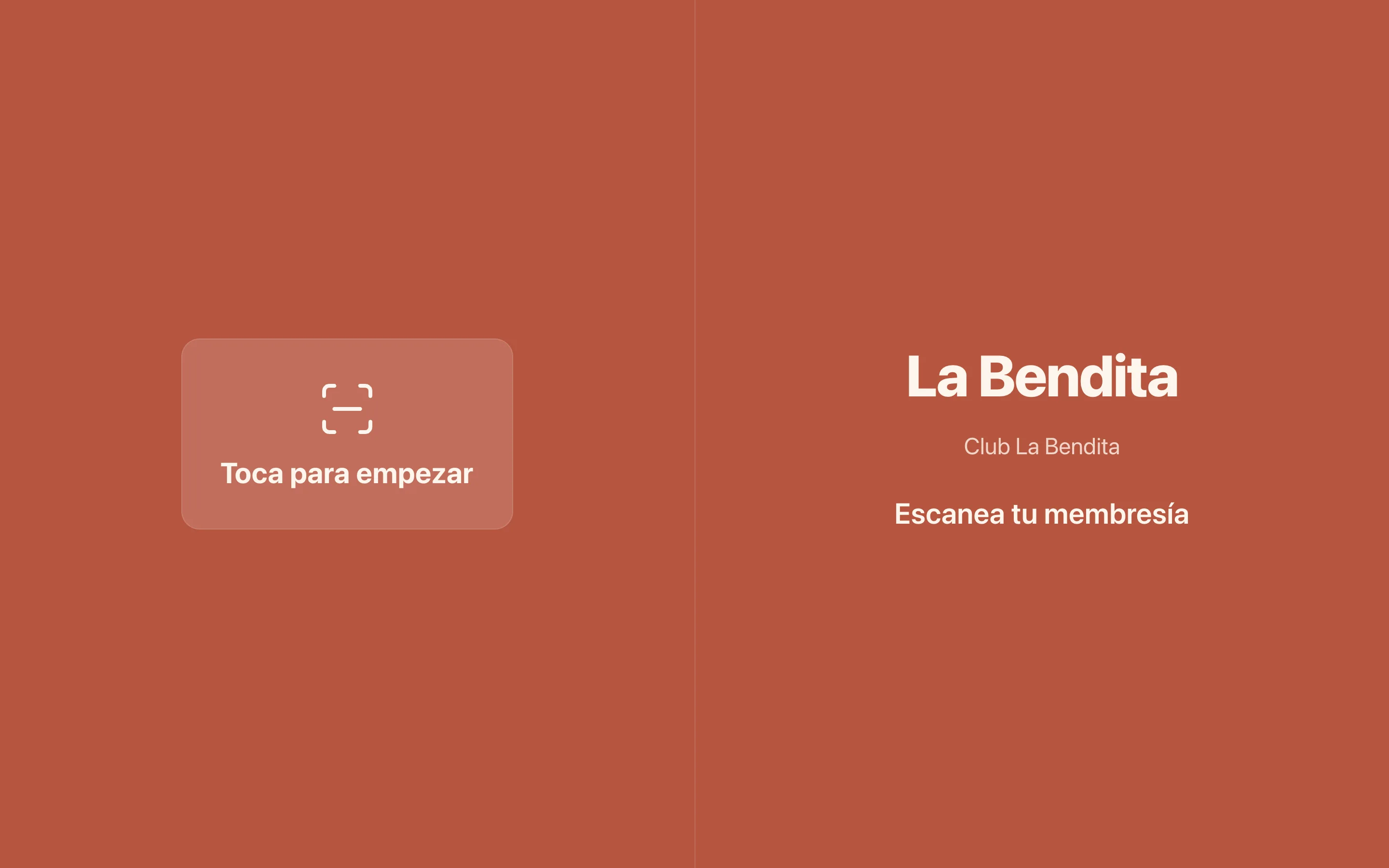
The tablet shows Tap to start and then Scan your membership. The member holds the QR from their Wallet up to the camera.
Web dashboard -
2
Current or expired
If it's current, it greets them by name and says how many days they have left. If it has expired, it says since when and asks them to see the front desk to renew.
-
3
Everything is recorded
Every entry, allowed or denied, shows in Recent entries and in the member's history.