
1.2 Language, timezone, country and currency
So dates, amounts and messages come out right.
Web dashboard
-
1
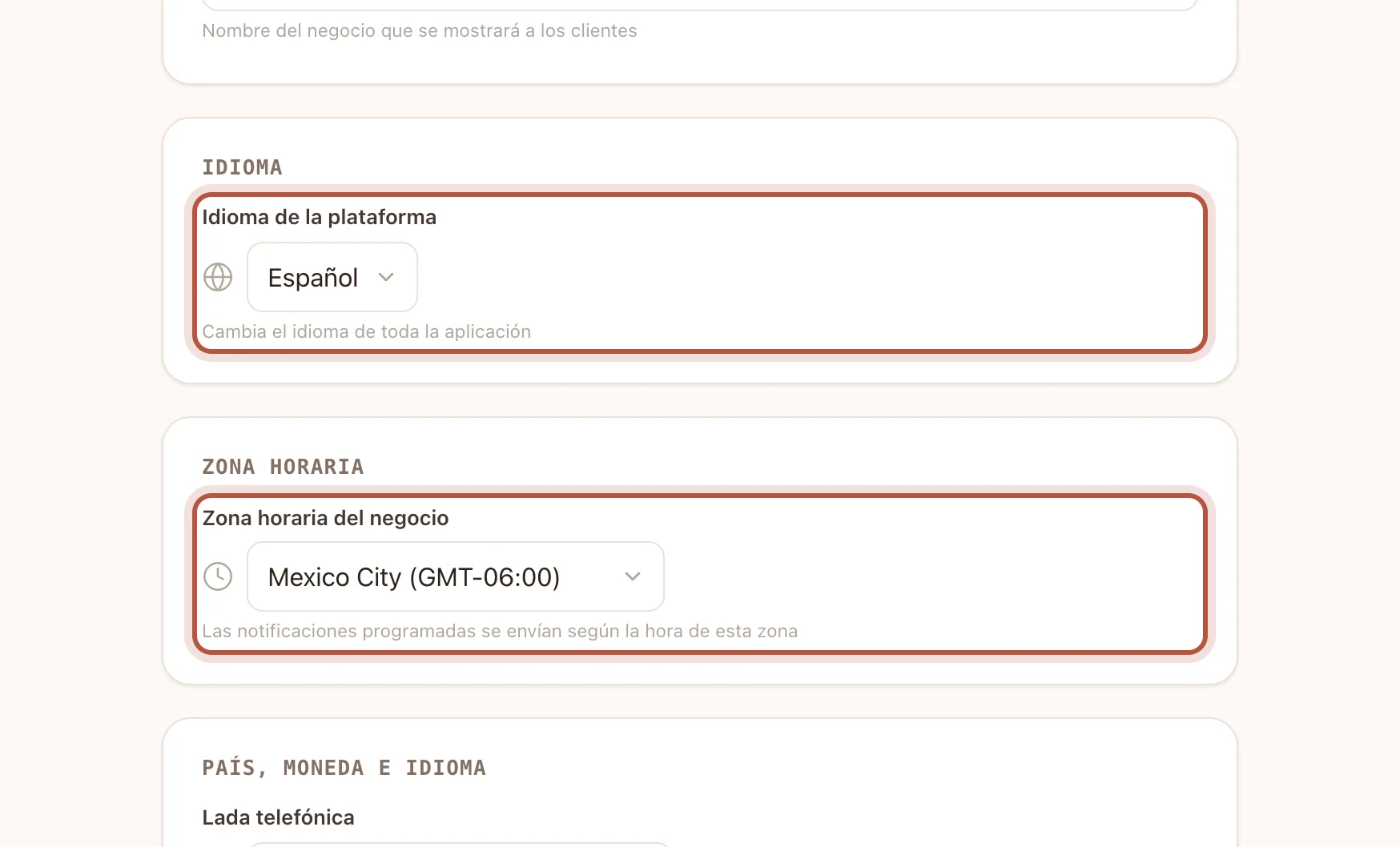
Platform language
In Language choose whether the dashboard is in Spanish or English. It only changes your dashboard, not what customers see.
Web dashboard -
2
Business timezone
Pick your city in Business timezone. Scheduled notifications, like the birthday one, go out on this time.
-
3
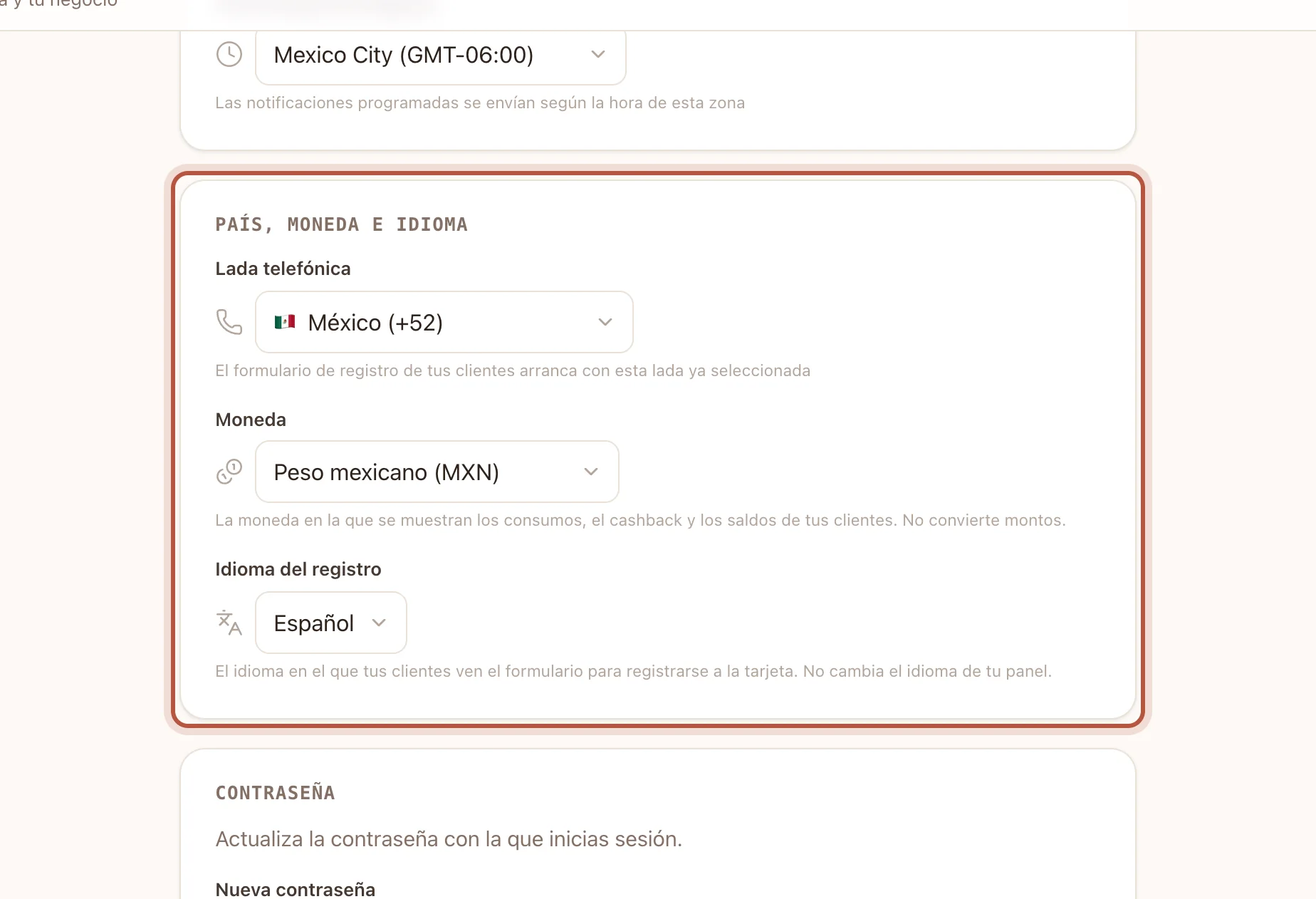
Phone code, currency and sign-up language
Under Country, currency and language you set:
- Phone country code: the one preset on your customers' sign-up form.
- Currency: the one purchases, cashback and balances are shown in. It doesn't convert amounts.
- Sign-up language: the language of the form where customers get their card.
Web dashboard