
3.6 How to charge with the wallet balance
Your customer pays part or all of their bill with the balance they've saved.
Web dashboard
App
At the register
-
1
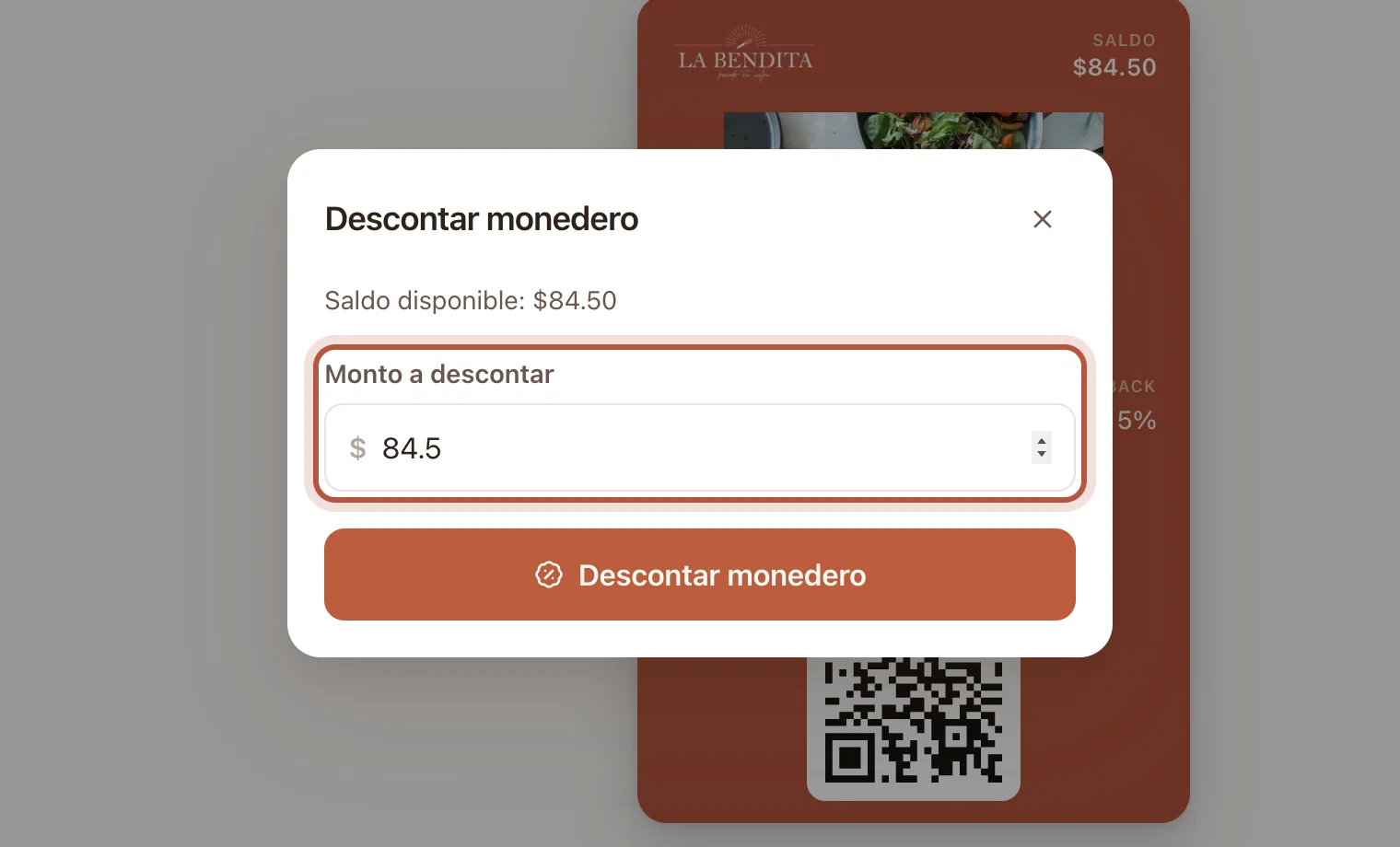
Scan the card and tap Apply wallet discount
You'll see your customer's Available balance.
Web dashboard -
2
Enter how much to deduct
In Amount to deduct enter the bill total. If the balance isn't enough, Loyalia deducts what's there and tells you how much is left to pay.
-
3
Confirm
The balance drops right away on your customer's card and is recorded in their history.