
2.4 How to show the full card
Let your customer see every stamp from day one and get each reward as they reach it.
Web dashboard
App
-
1
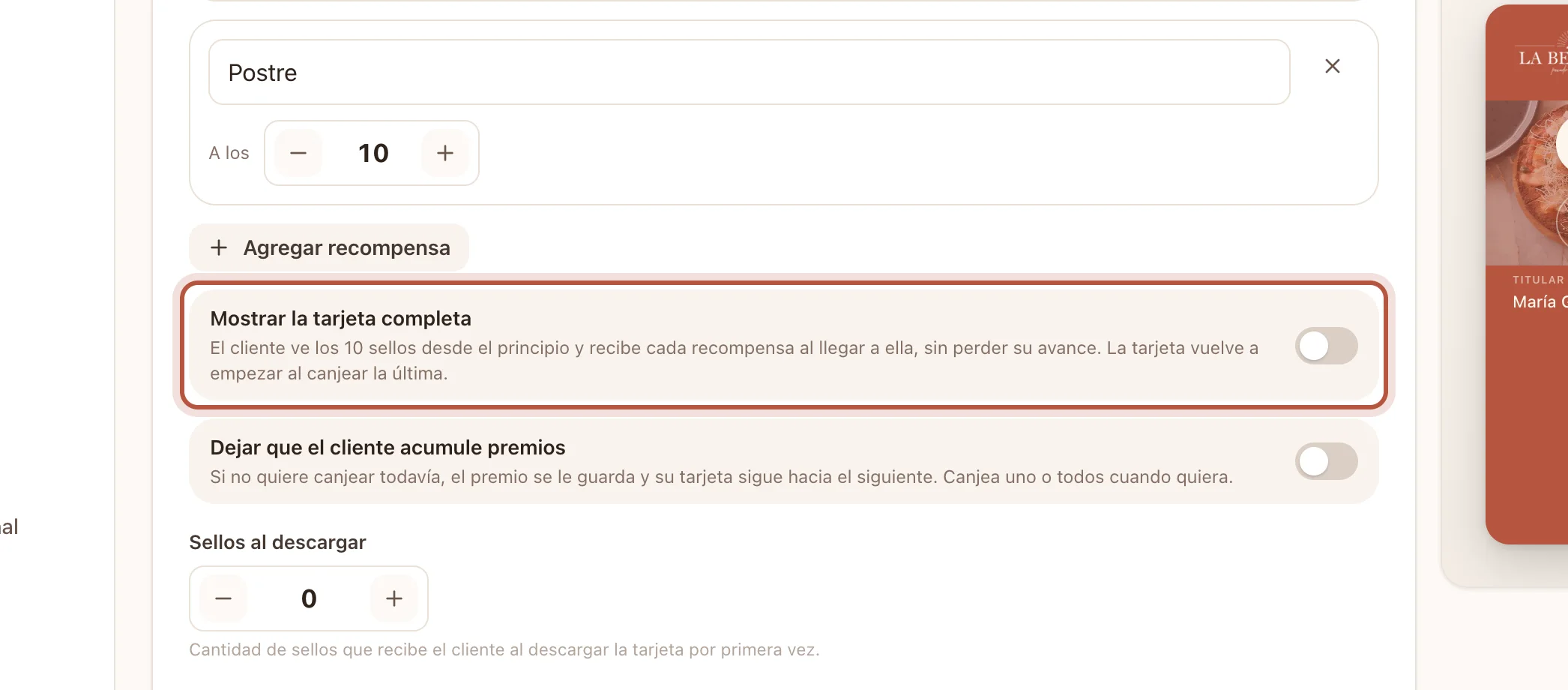
Turn on Show the whole card
In Rewards, switch on Show the whole card. Your customer sees every stamp from the start and gets each reward as they pass it, without losing their progress. The card starts over when they redeem the last one.
Web dashboard -
2
Mind the number of stamps
The Wallet card draws a maximum number of stamps. If your biggest reward needs more, the dashboard warns you and the card keeps showing in stages until you adjust it.