
2.17 Clear stamps: keep the reward for later
Your customer has a full card, doesn't want the reward today and wants to keep collecting.
Web dashboard
App
At the register
-
1
Scan the full card
Next to Redeem reward you'll see Clear stamps.
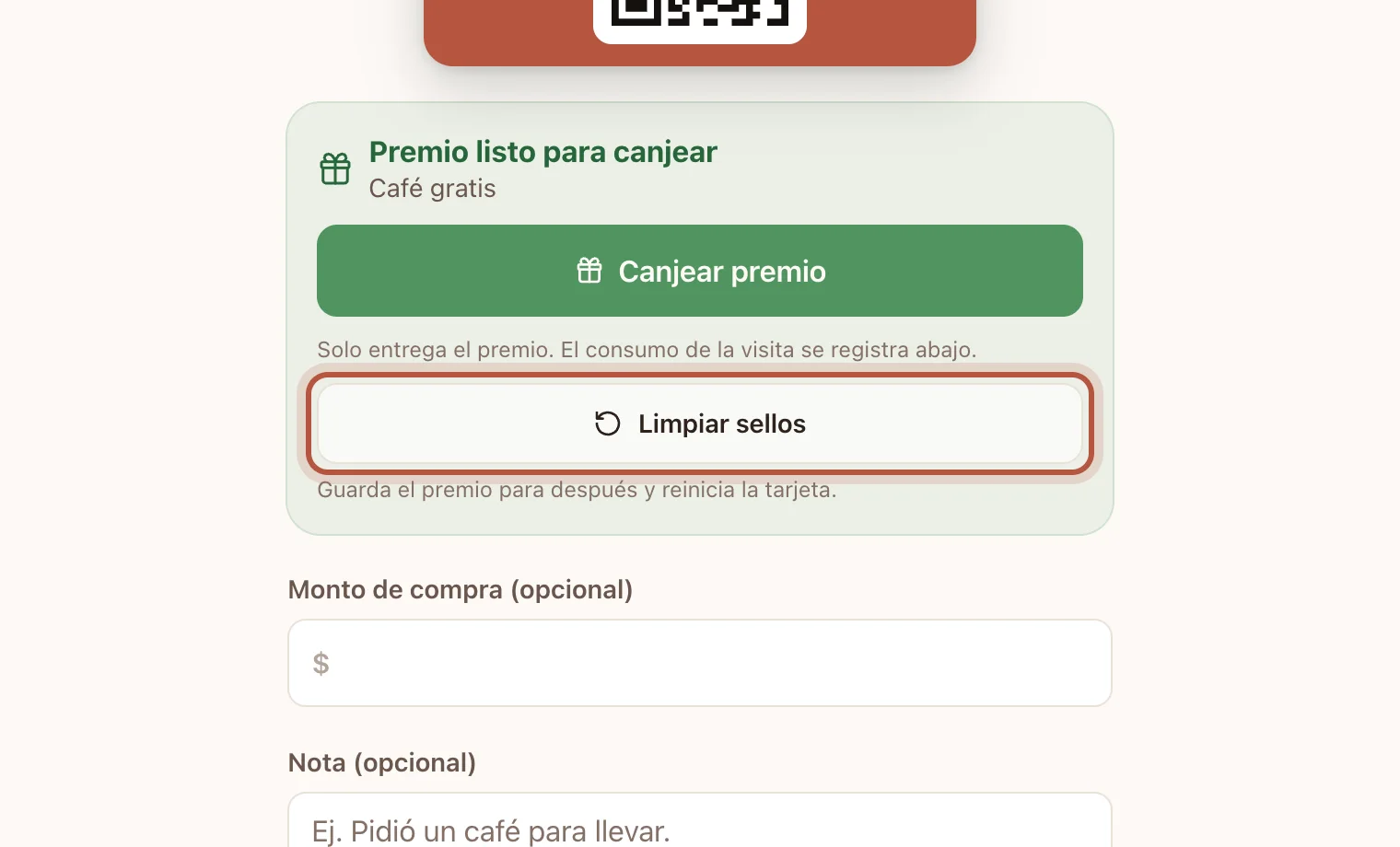
Web dashboard -
2
Tap Clear stamps and confirm
Their reward is saved to redeem whenever they like, and their card starts from zero so they keep collecting.
-
3
Redeem the saved reward on another visit
Next time you scan them, the saved reward shows up ready to hand over.
This is for cards with a single reward. If your card has several, use 2.5 How to let customers stack rewards.