
3.5 How to give more cashback on a purchase
For a promotion or a special customer, without changing the card's percentage.
Web dashboard
App
At the register
-
1
Tap Give extra cashback
After entering the amount, tap Give extra cashback. The button reminds you of your card's rate, for example 5%.
Web dashboard -
2
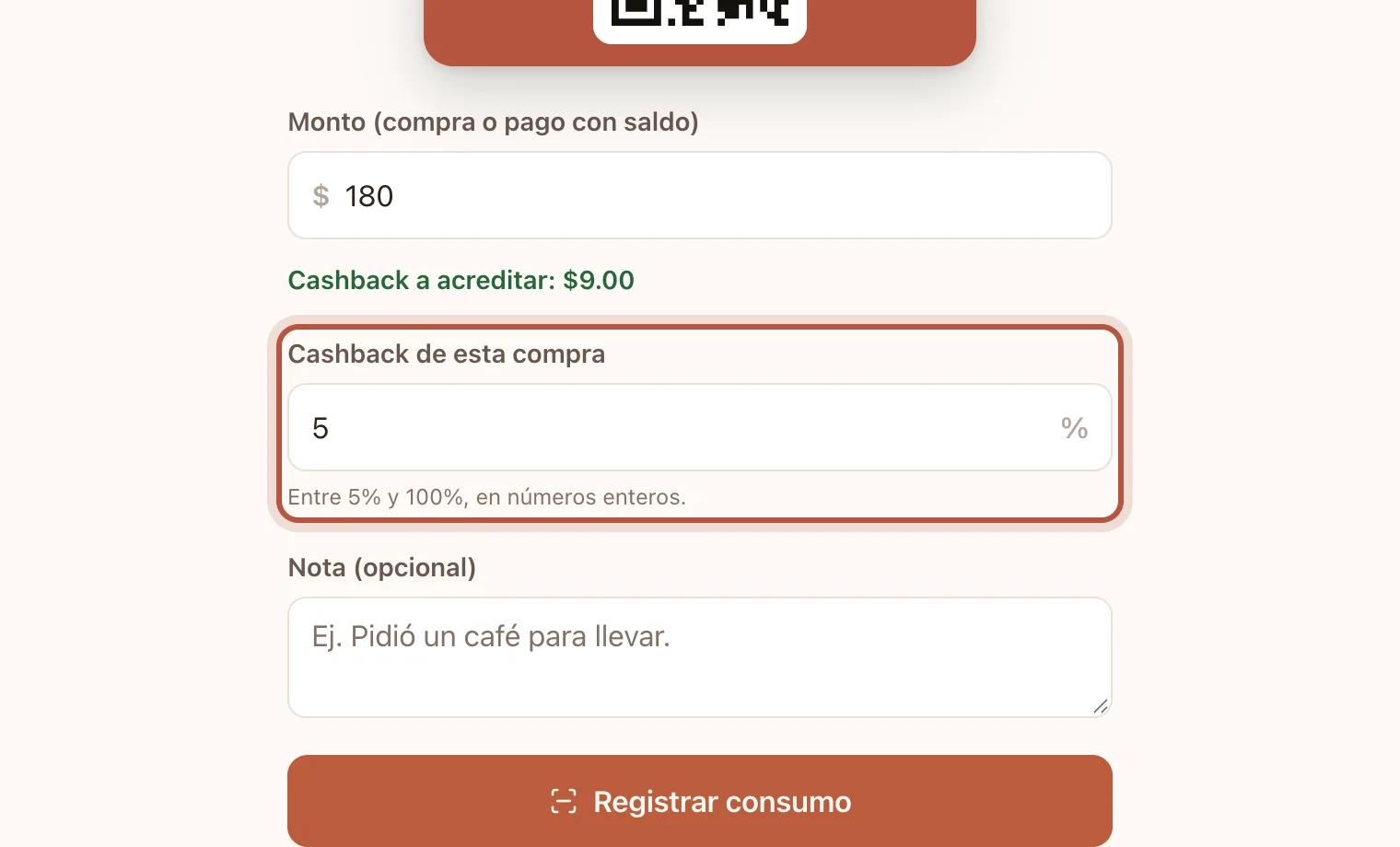
Enter this purchase's percentage
In Cashback on this purchase enter the percentage for this time. It can only be higher than the card's.
-
3
Confirm
The summary shows how much balance you'll credit and that it's a different rate from the card's.
Each team member needs permission to adjust cashback. You grant it in Team, on their record.