
7.3 How your team gets into the scanner
In the browser or the app, with your Business ID, their username and their password.
Web dashboard
App
-
1
Share your Business ID
In Channel settings, under Loyalia Scanner app, there's the Business ID. Tap to copy it and share it with your team.
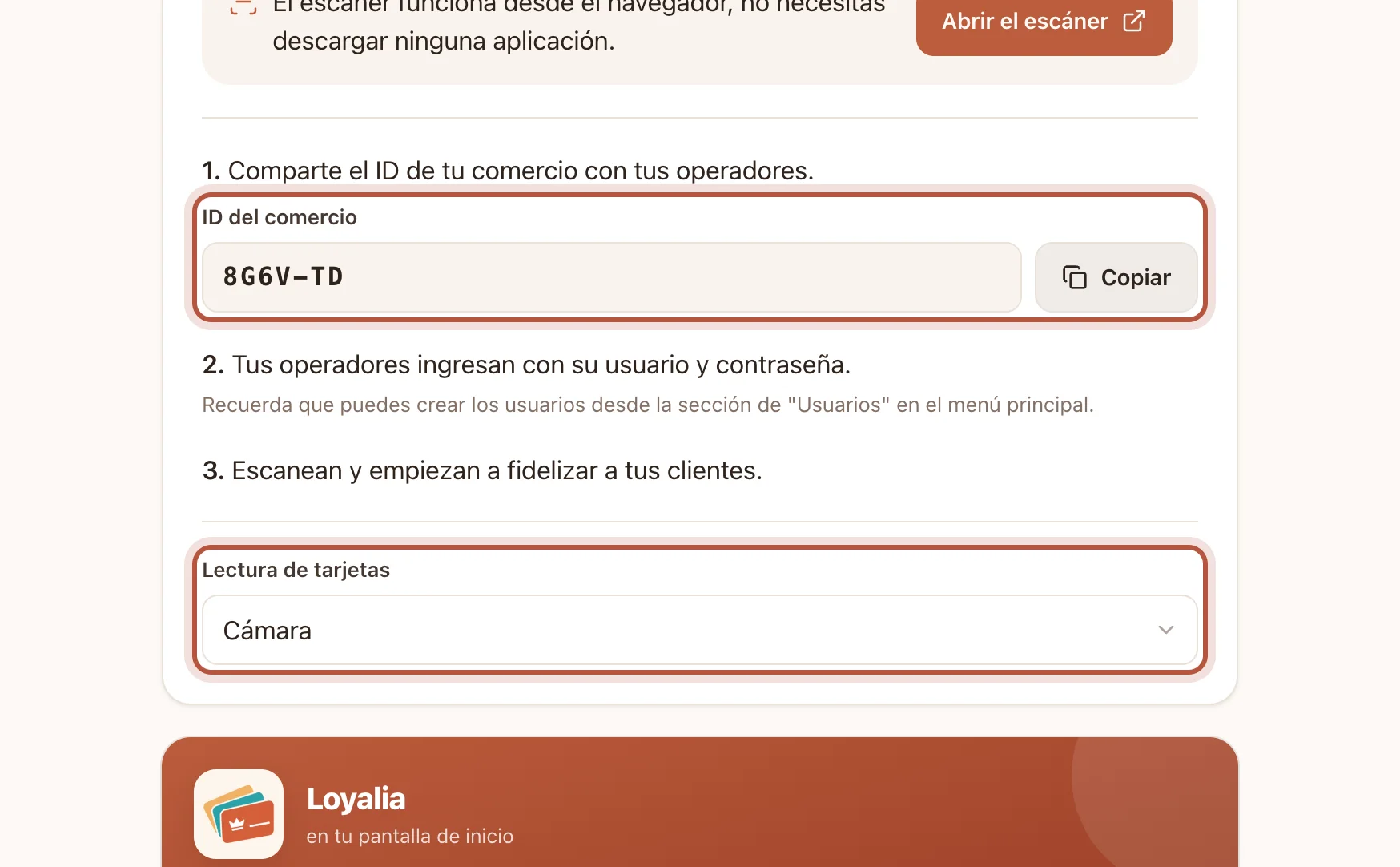
Web dashboard -
2
Your team signs in with their username
From the browser on their phone or the register tablet, or from the Loyalia app, with the Business ID, their username and their password. Nothing to download if they use the browser.
They can also install the scanner as an app from the browser; the steps are in that same section.
-
3
Card reading
In Card reading you choose whether cards are scanned with the camera or with a barcode reader plugged into your register.