
5.2 How to create a reloadable card
A name, its design and you're done; there are no rules to set.
Web dashboard
App
-
1
Choose Reloadable card
In Cards tap New card, choose Reloadable card and tap Continue.
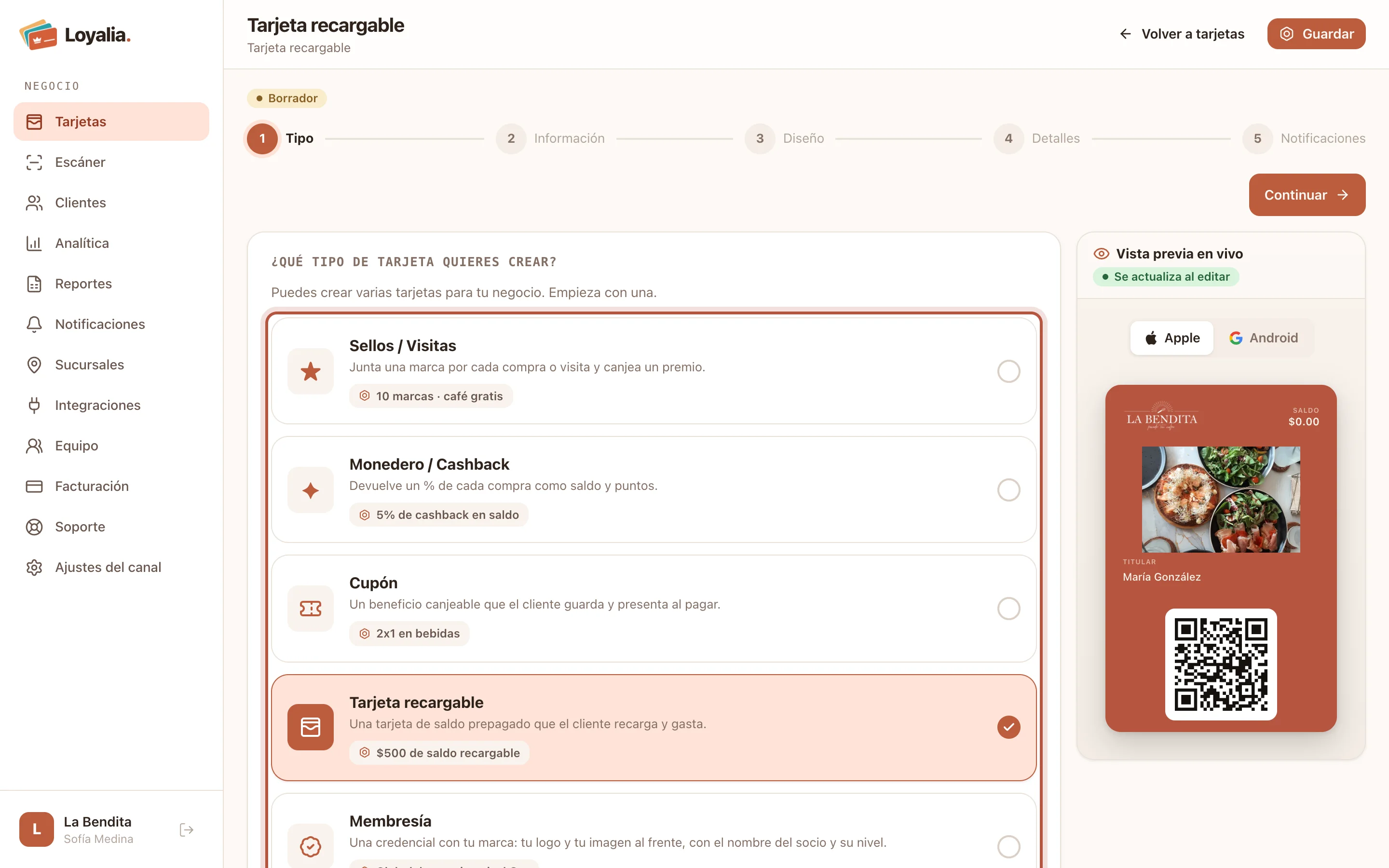
Web dashboard 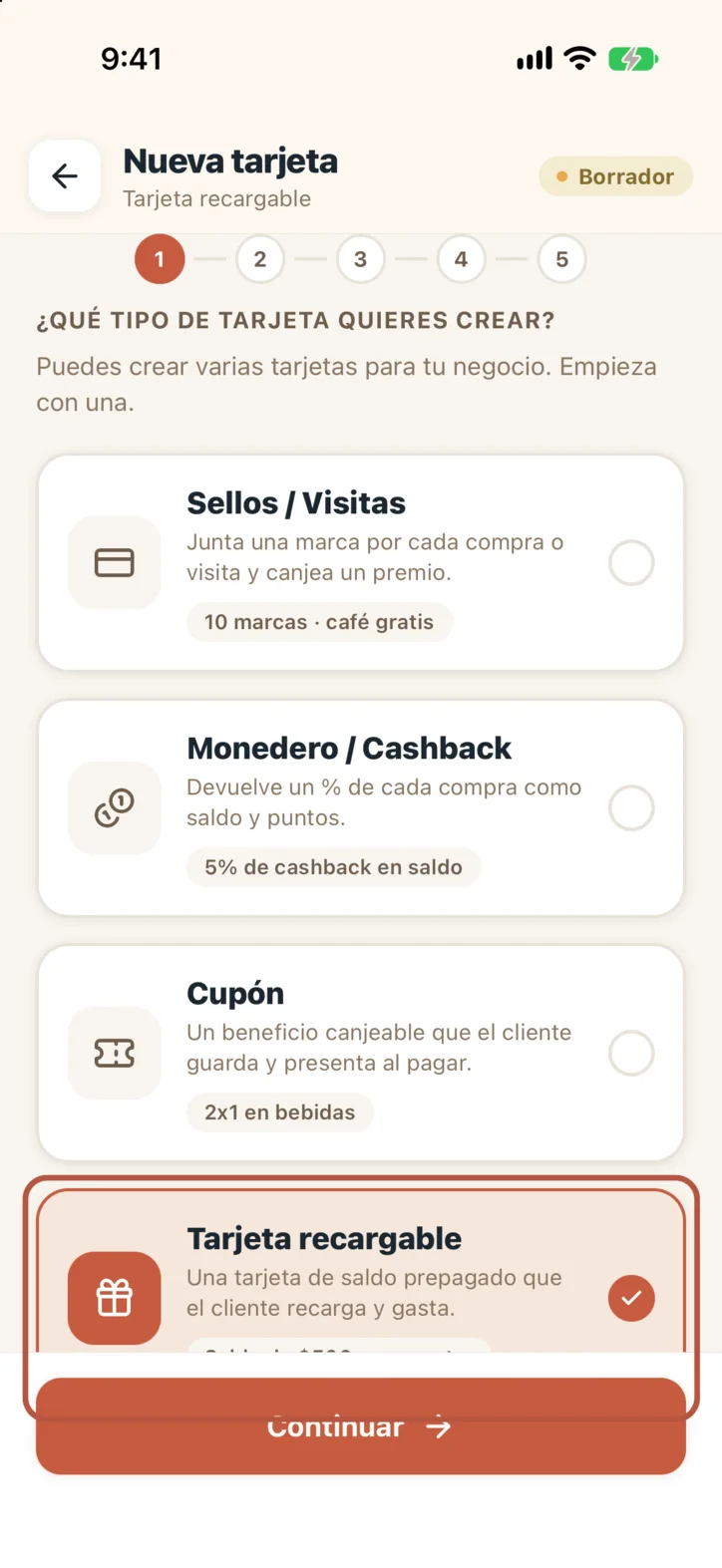
App -
2
Name it
{:"For example \"La Bendita Gift Card\". There's no reward or percentage"=>"the balance is the whole product."}
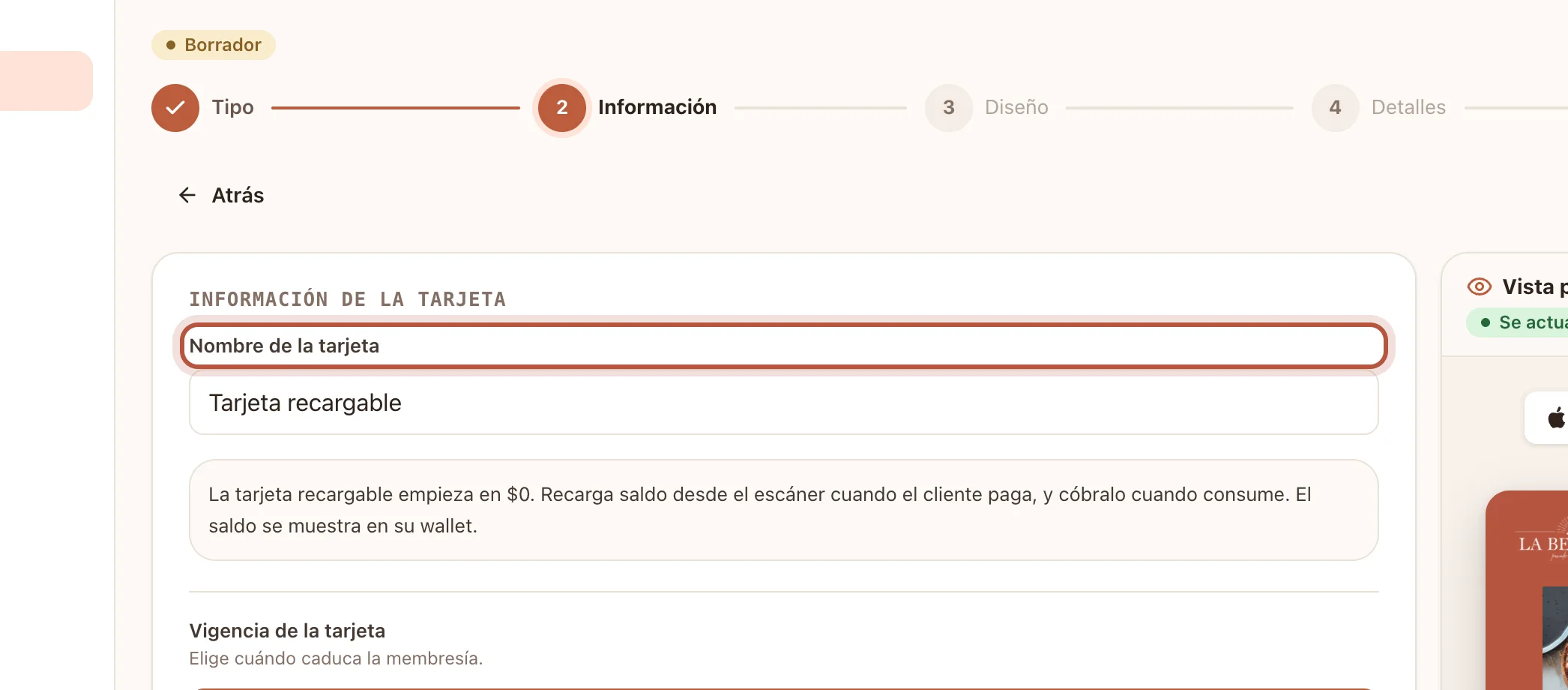
Web dashboard -
3
Validity, sign-up, design and notifications
They're the same options as on the stamp card: 2.9 Card expiry and renewal, 2.10 What you ask your customers when they sign up, 2.11 How to design your stamp card and 2.13 How to set up automatic notifications.
Reloadable cards don't renew on their own: the balance is your customer's money and never resets.
-
4
Turn it on and share it
Tap Go to card, switch on Card active and share the link or the QR (2.14 How to turn on and share your card).