
2.14 How to turn on and share your card
Switch it on and get your first customers with the link, the QR or a poster for your counter.
Web dashboard
App
-
1
Turn the card on
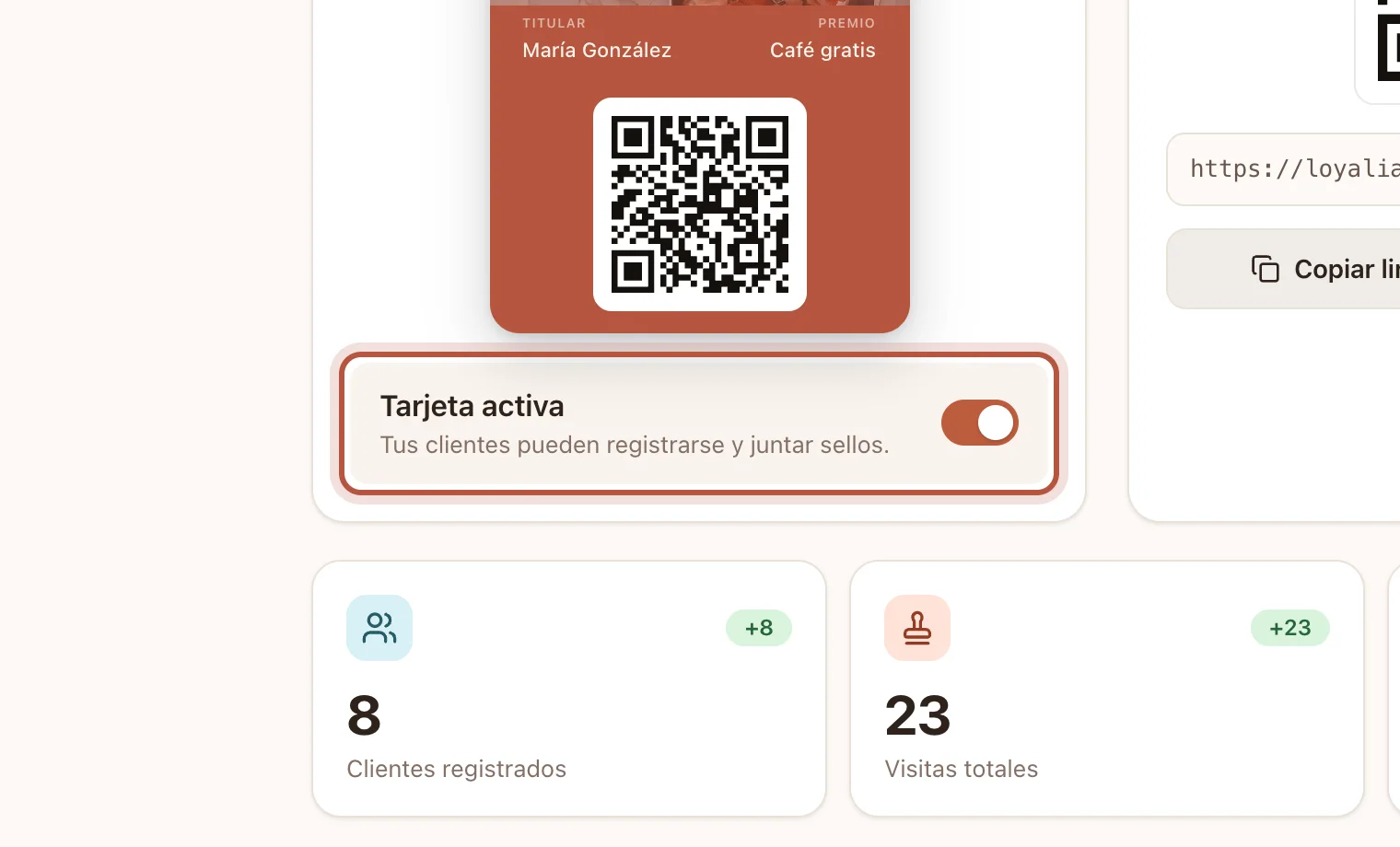
On your card's page, switch on Card active. From then on your customers can sign up and collect stamps.
Web dashboard 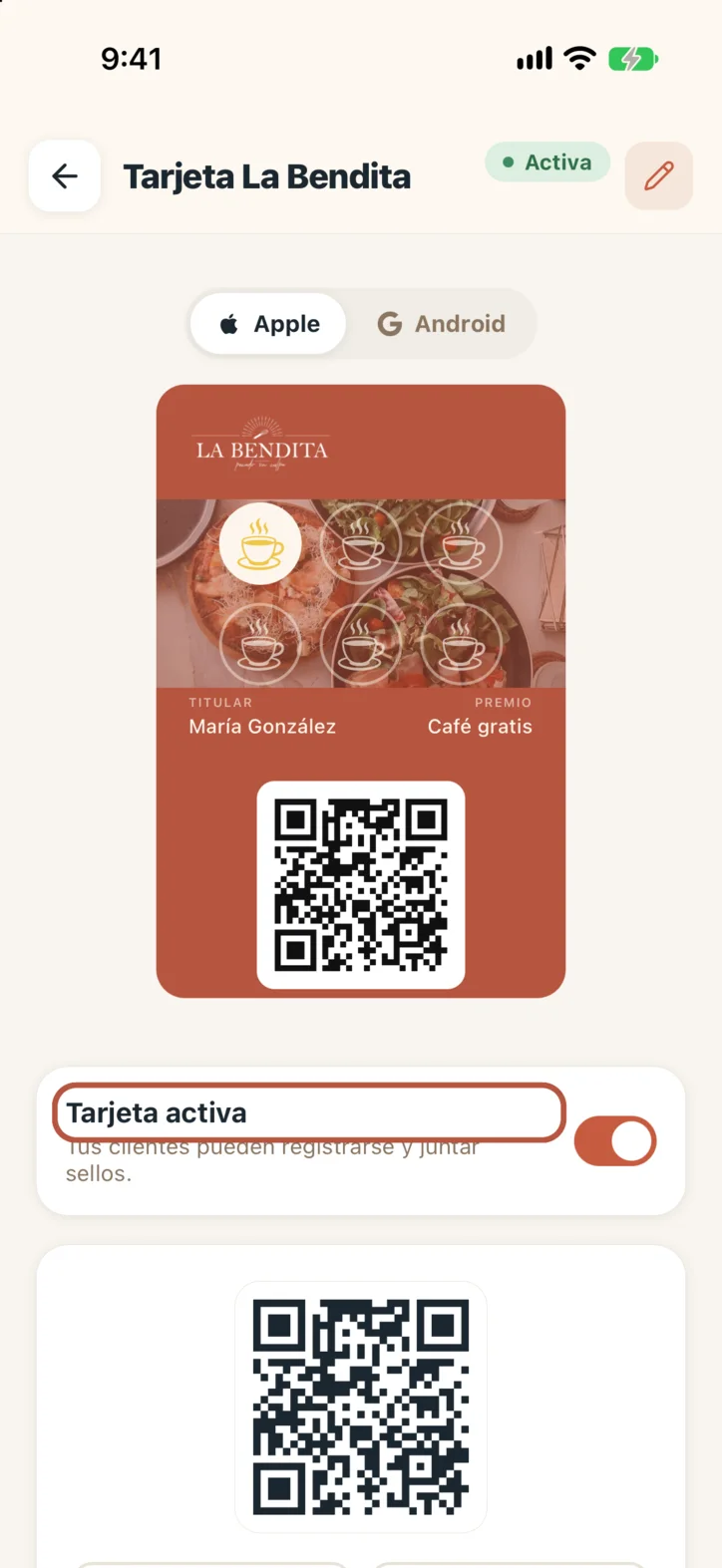
App -
2
Copy the link
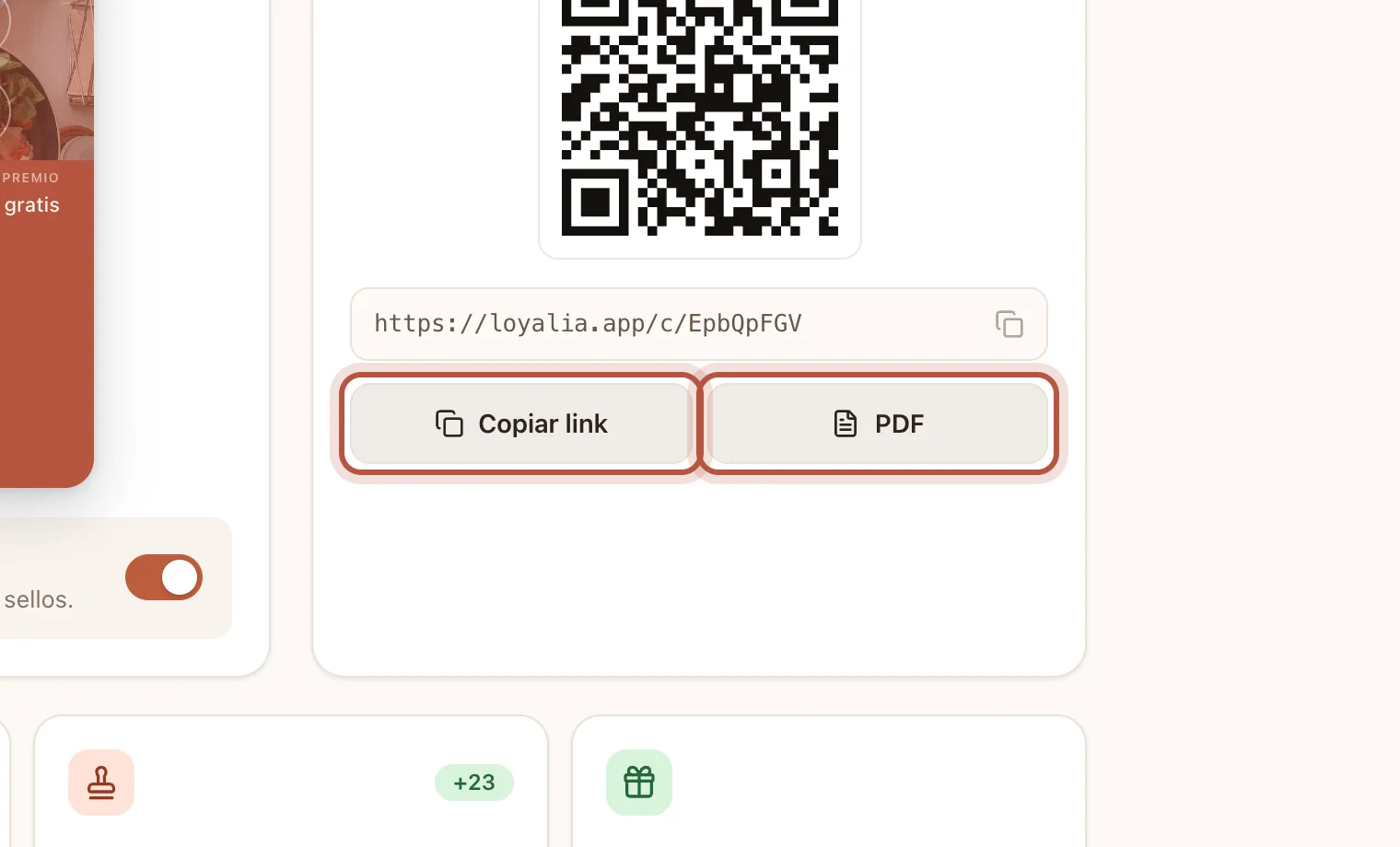
Tap Copy link and share it on your Instagram, your website or in a message. Anyone who opens it can save your card on their phone.
Web dashboard -
3
Print your QR
Tap PDF to download a poster with your card and its QR, in letter or half-letter size or just the QR. You can change the color and the message. Put it on your counter or in your window.
The best moment to invite someone is right at checkout. Ask your team to mention the card.