
5.5 How to check balance and history
See how much each customer has and every top-up and charge.
Web dashboard
App
-
1
Open your customer's profile
In Customers tap their name. You'll see their balance, the History with every top-up and charge, and the Actions to load or charge from there.
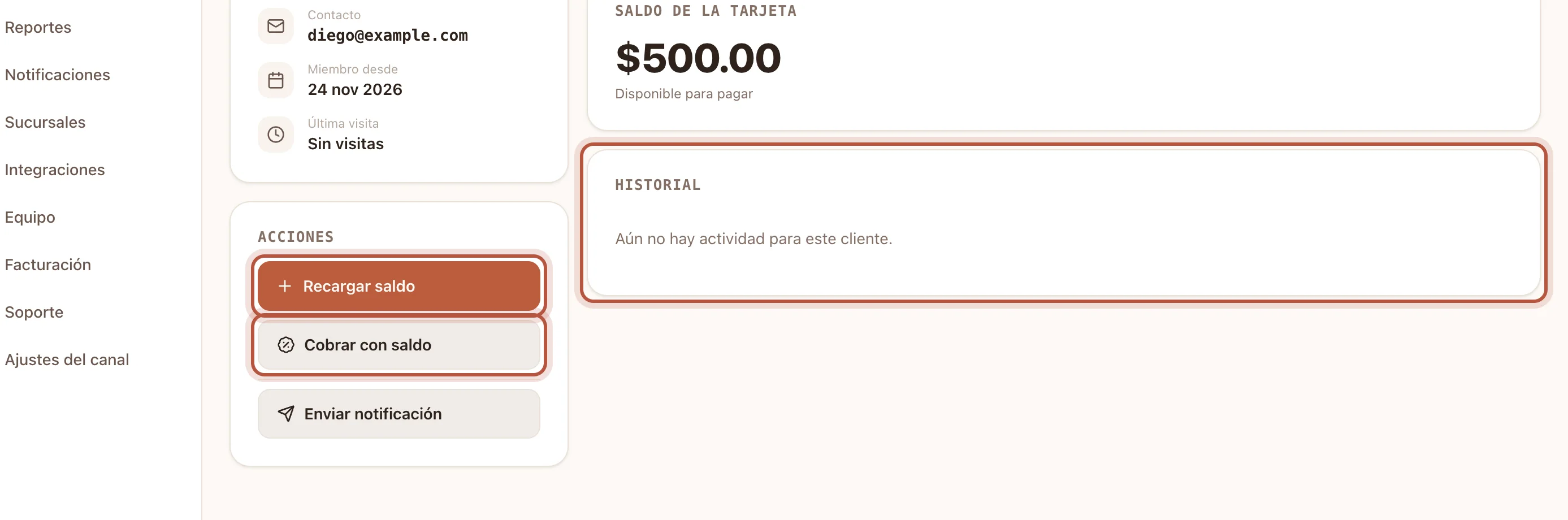
Web dashboard If you made a mistake, delete the entry from the history, as in 2.18 How to fix a mistake: add or remove stamps.