
7.2 Permissions: what each person can do
What they see, what they must enter and which cards they can work.
Web dashboard
App
-
1
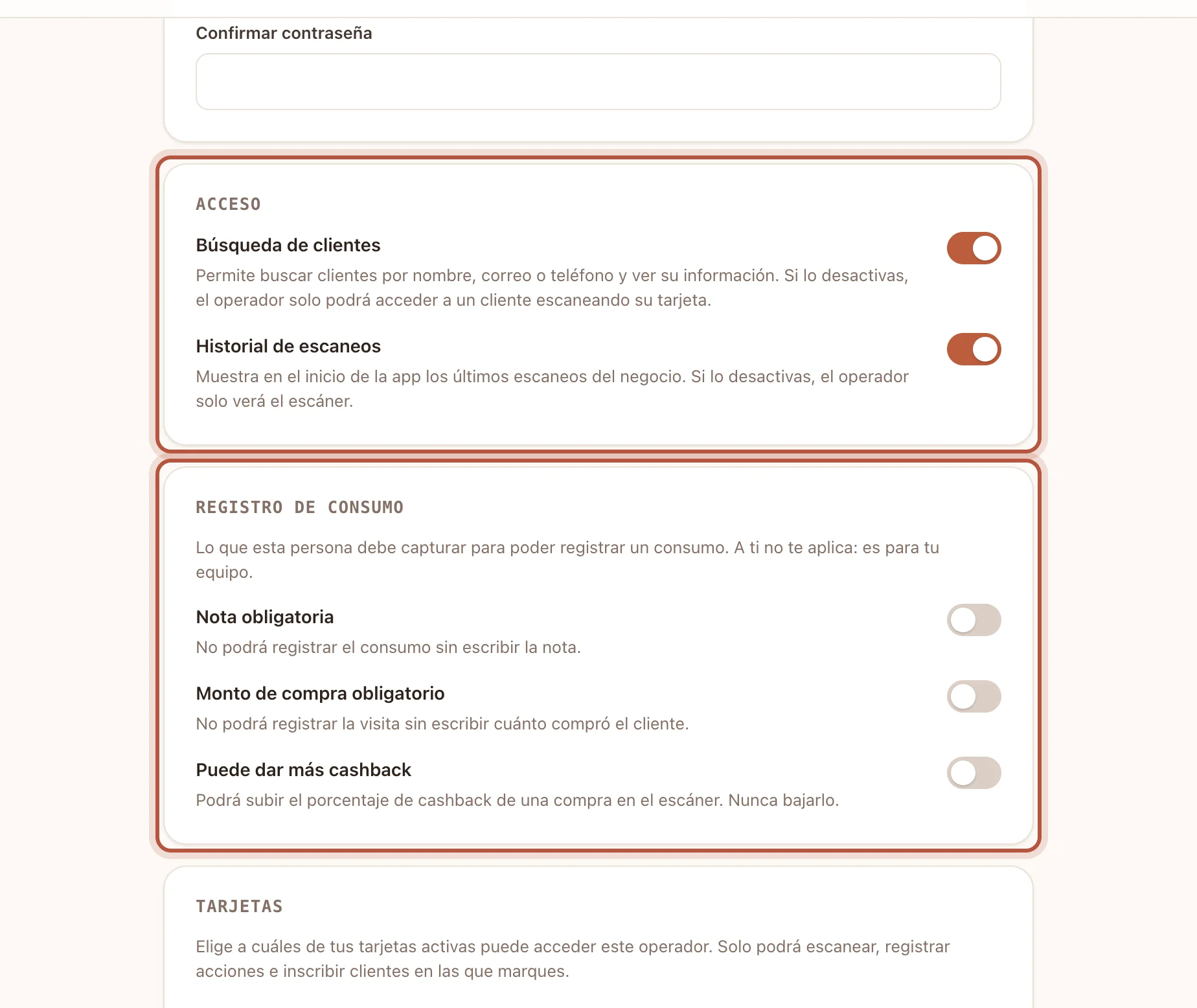
Access
On the operator's record, under Access:
- Customer search: look up customers by name, email or phone. If you turn it off, they can only serve whoever shows their card.
- Scan history: see the business's latest scans on their home screen.
Web dashboard -
2
Recording a purchase
What that person must enter on every record:
- Note required: they can't record without writing a note.
- Purchase amount required: they can't record without the amount.
- Can give extra cashback: they can raise a purchase's percentage on a wallet card, never lower it (3.5 How to give more cashback on a purchase).
These rules are for your team; they don't apply to you as the owner.
-
3
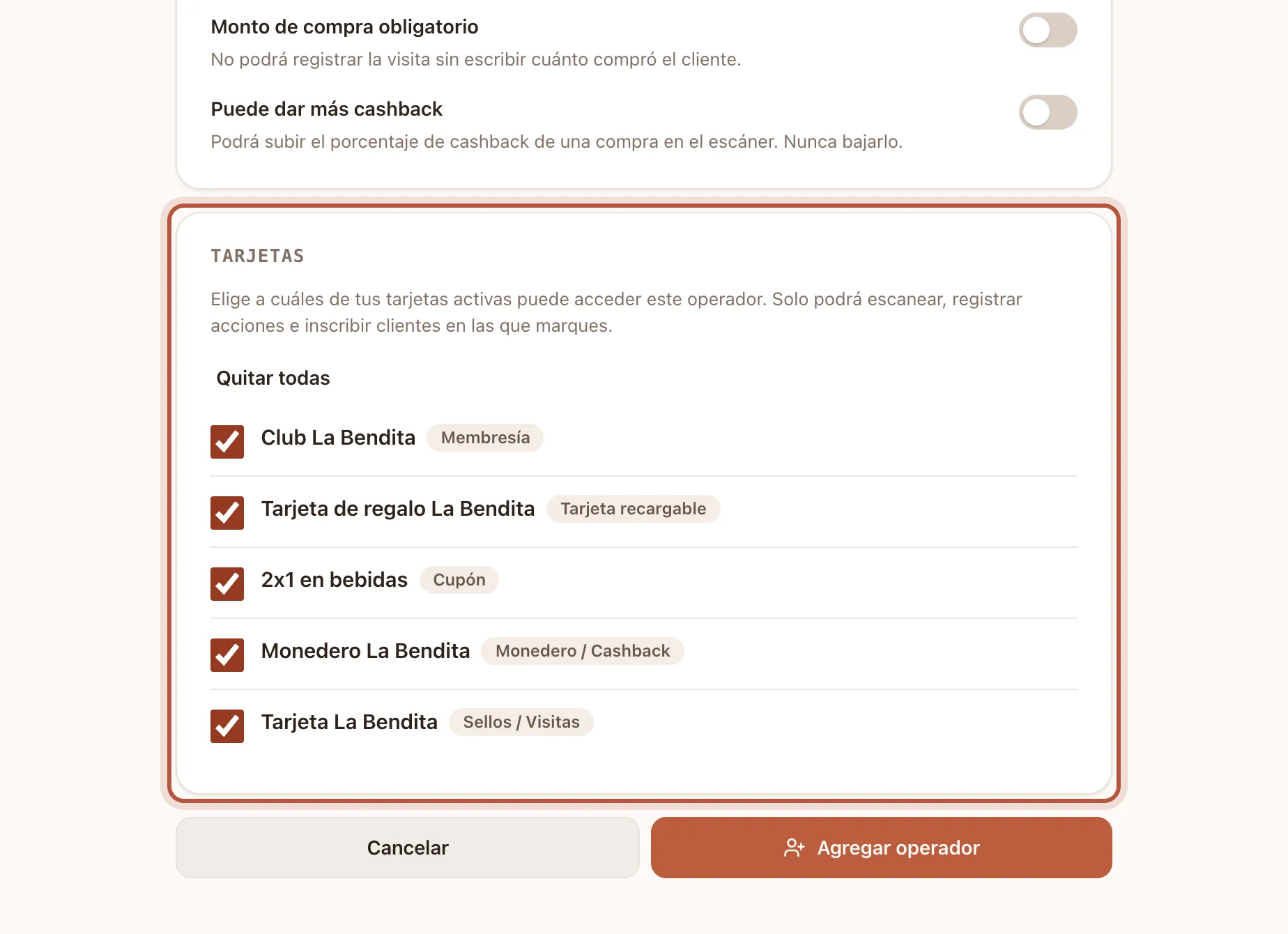
Cards
Tick which of your cards they can access. They can only scan, record and register customers on those. A new card is assigned to them automatically; untick it here if you don't want them to work it.
Web dashboard