
8.3 How to register a customer yourself
For someone who doesn't want to scan the QR or doesn't have their phone at hand.
Web dashboard
App
At the register
-
1
Open Scanner › Customers
In Scanner, at the top, go to Customers and tap Add customer.
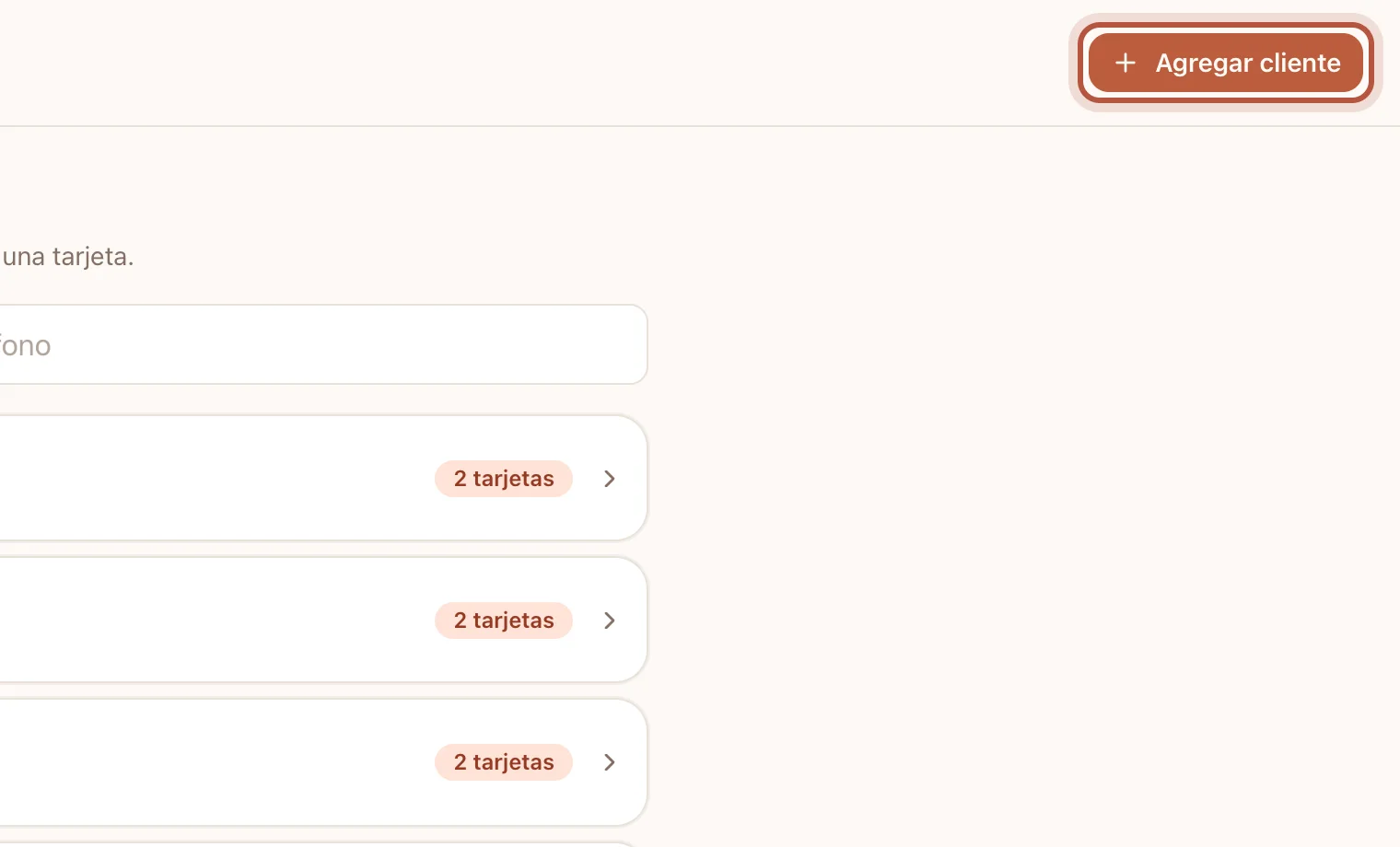
Web dashboard -
2
Pick the card and enter their details
Choose which Card to register them on and enter their Name, Email and, if you like, Phone. Tap Register customer.
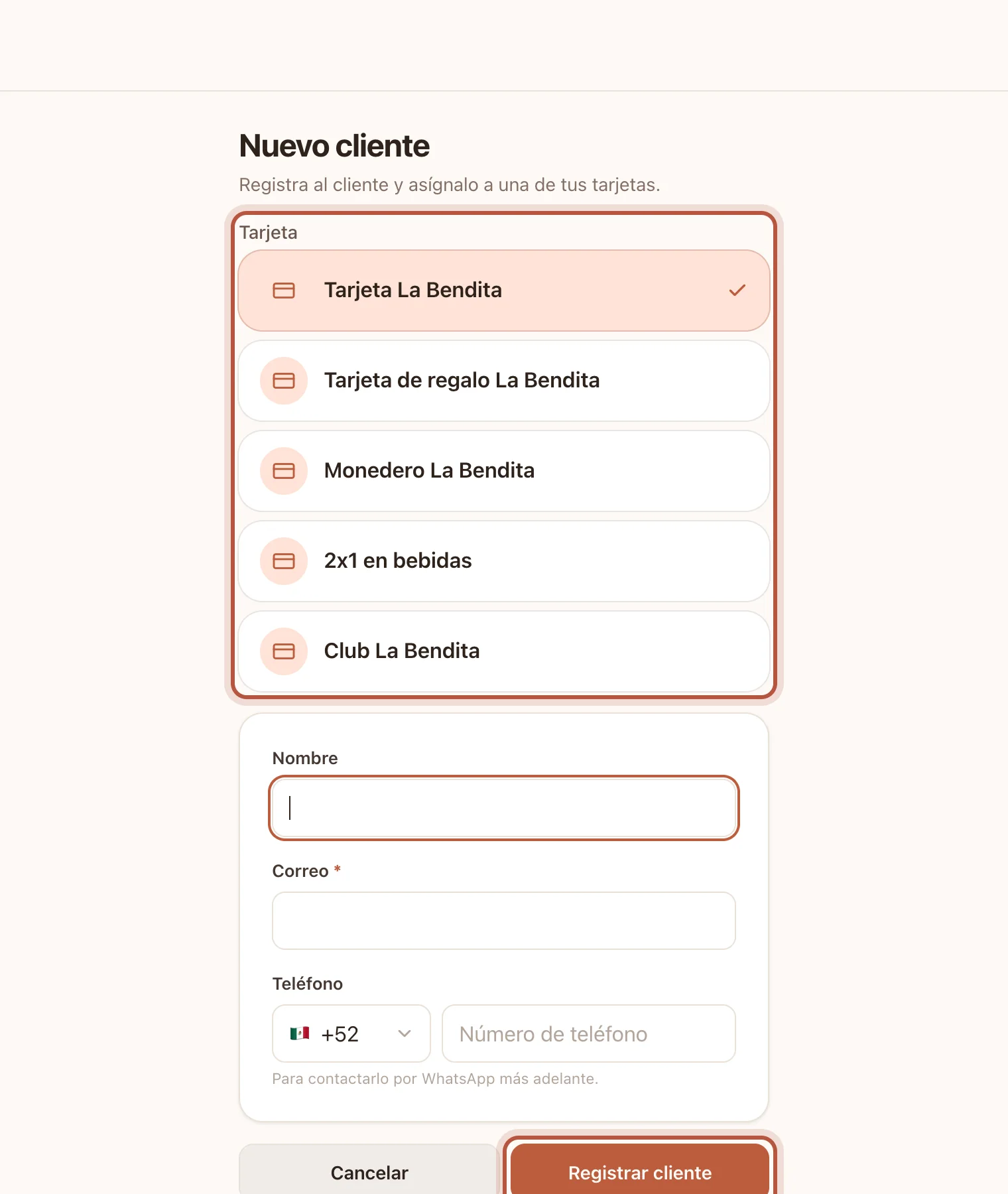
Web dashboard -
3
Now give them their first stamp
Open them in the scanner like any other customer (2.15 How to give a stamp).