
2.7 How to use loyalty levels (Bronze, Silver, Gold)
Rank your customers by how often they come or how much they spend each cycle.
-
1
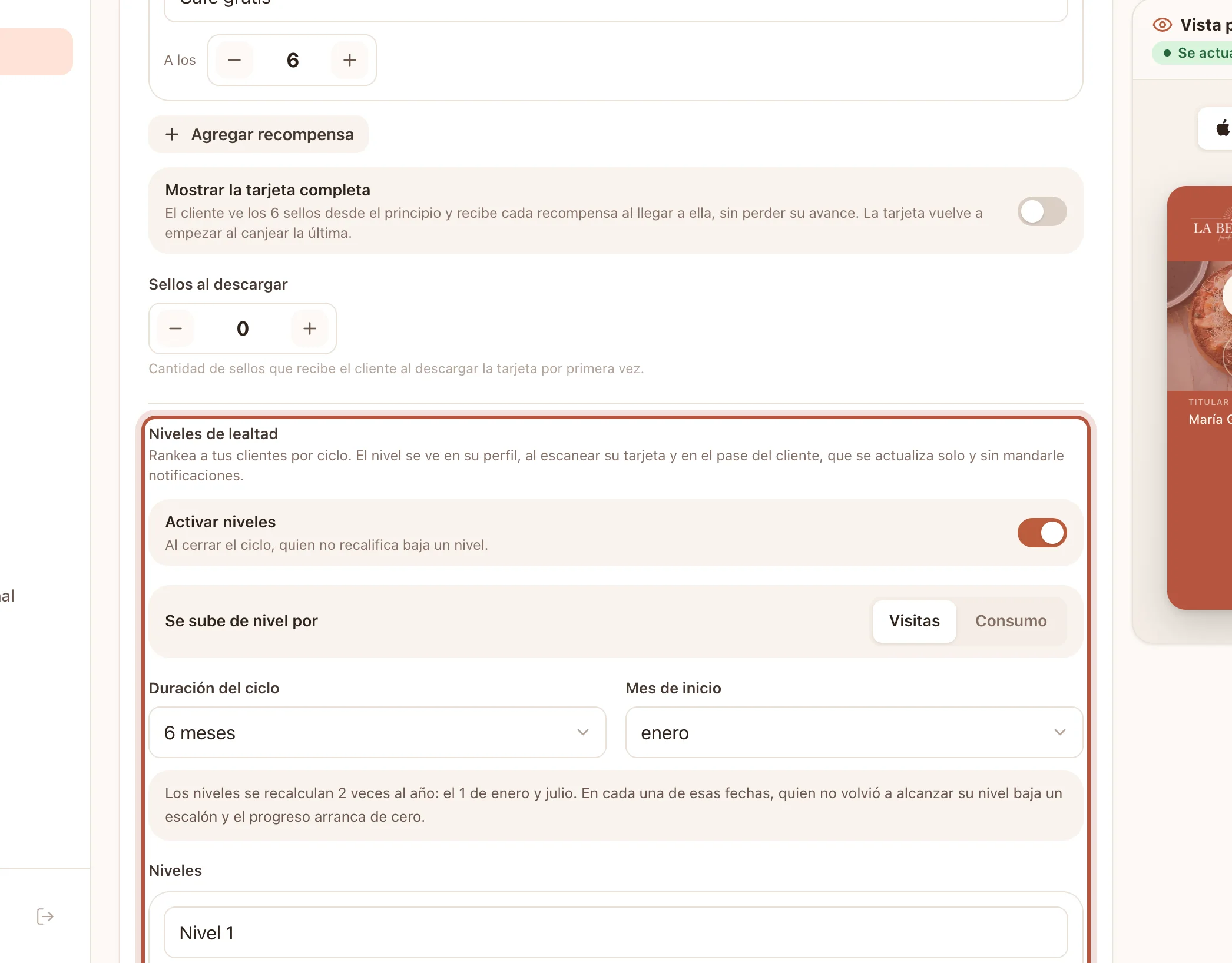
Turn on levels
In Loyalty levels, switch on Turn on levels. When each cycle closes, a customer who doesn't reach their goal again drops one level.
Web dashboard -
2
Choose how customers level up
In Levels are earned by, choose visits or amount spent.
On a stamp card the amount is optional when scanning, so only the spend your cashier enters counts. If you choose spend, ask your team to always enter the amount.
-
3
Set the cycle
In Cycle length choose 3, 6 or 12 months, and in Starting month when it begins.
-
4
Create your levels
Tap Add level, name it and give it a goal. For example: Silver at 10 visits, Gold at 25. You can create up to 5.
-
5
Where the level shows
In your customer's profile, in the scanner when you serve them and on their Wallet card, which updates by itself without sending them a notification.