
2.5 How to let customers stack rewards
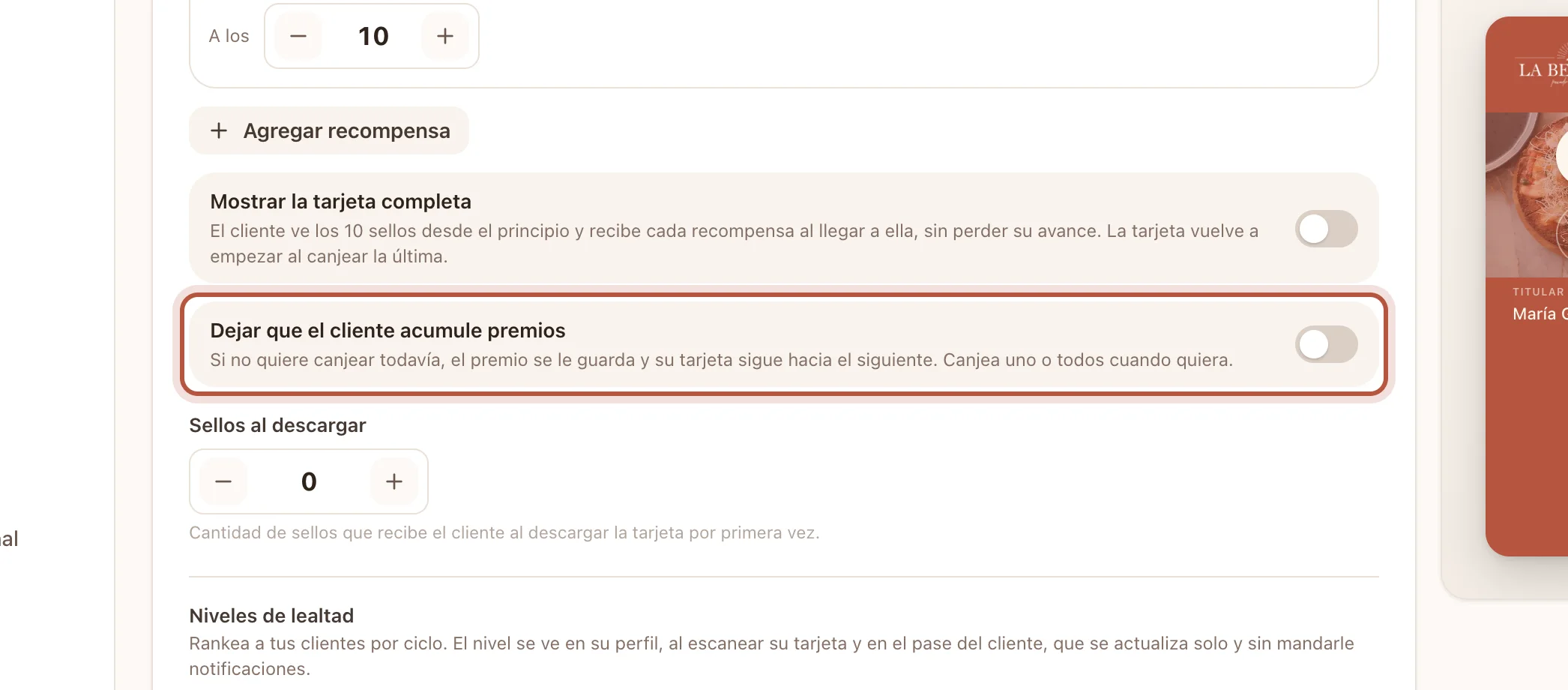
If your customer doesn't want to redeem today, the reward is saved and their card keeps going.
Web dashboard
App
-
1
Turn on Let customers save up rewards
With two or more rewards, Let customers save up rewards shows up in Rewards. Switch it on and save.
Web dashboard -
2
At the register, redeem one or all
When your customer comes in with saved rewards, the scanner shows them. You can hand over one or all of them at once.
-
3
It's not the same as Clear stamps
Stacking works on its own, for cards with several rewards. With a single reward, the cashier can save the reward by hand: 2.17 Clear stamps: keep the reward for later.