
6.6 How to sell a package to a member
Record the purchase so the member has their classes available.
Web dashboard
App
-
1
On the member's record, tap Sell package
You'll find it under Actions and under Class packages.
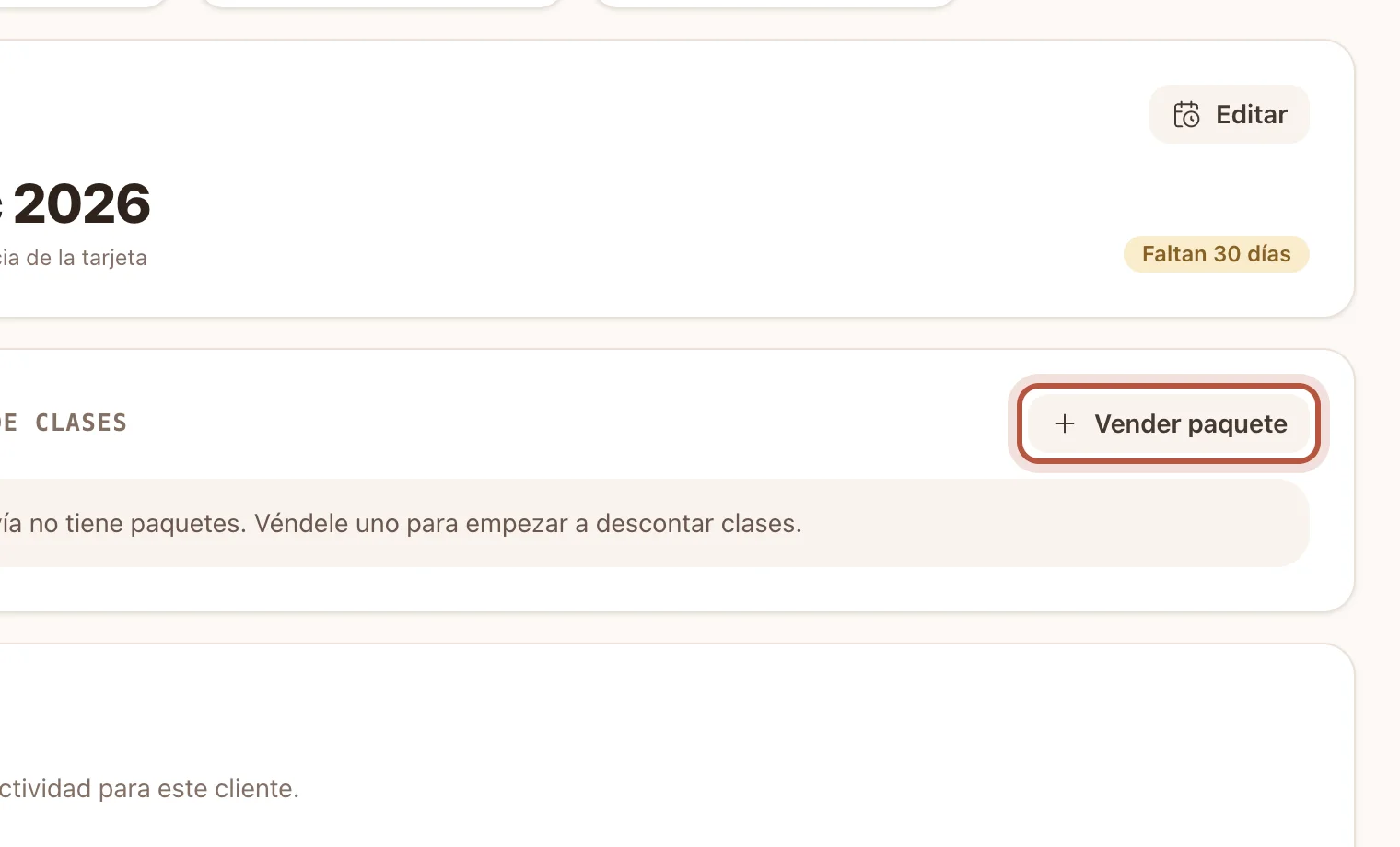
Web dashboard -
2
Choose the package and when it starts
Tap the package (you see how many classes it includes, how long it lasts and its price) and choose whether it starts Today or on Another date. Then tap Sell package.
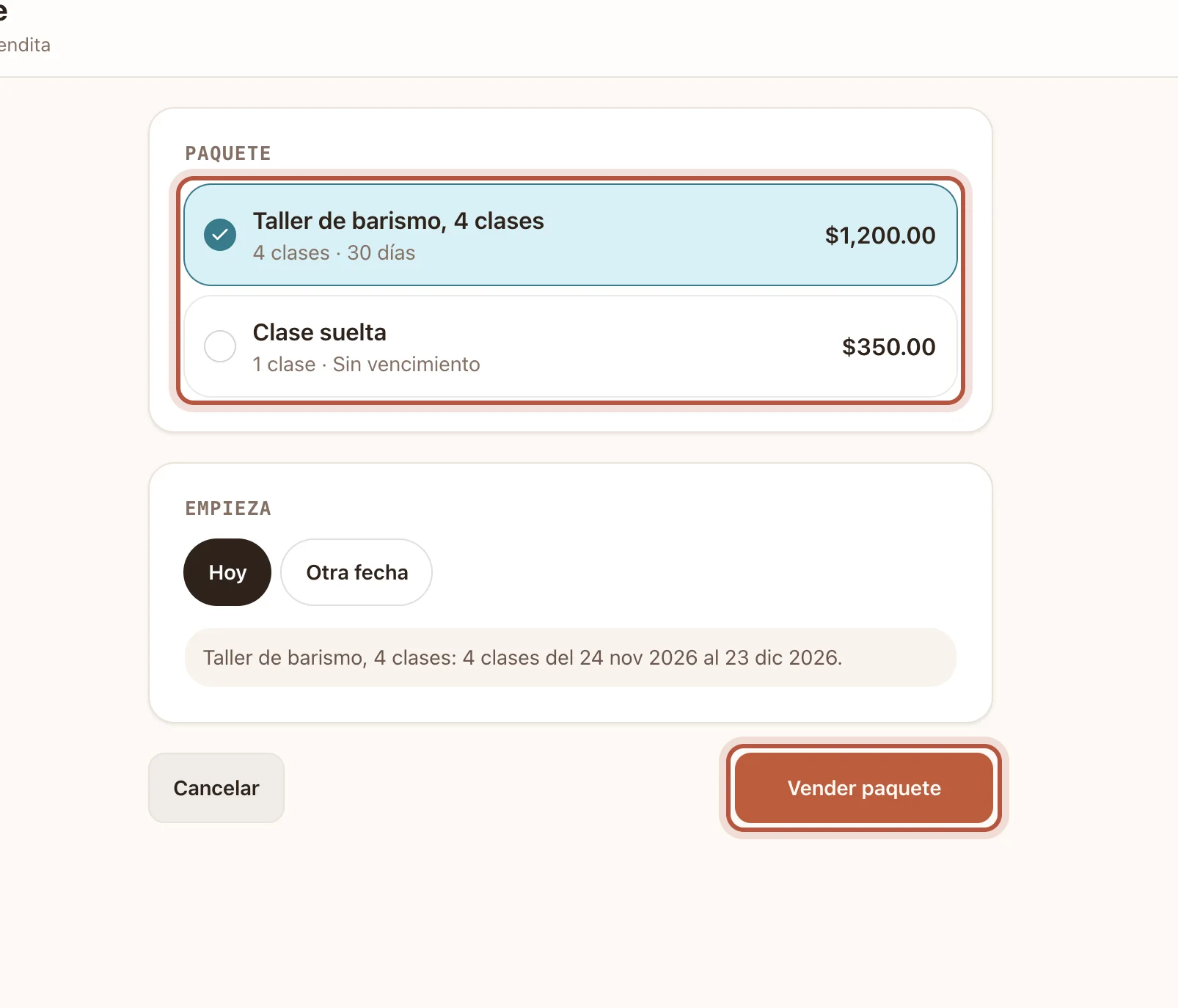
Web dashboard -
3
Done
The member's available classes show on their record and in the scanner.