
2.21 How to turn off or delete a card
Pause your program or retire it for good.
Web dashboard
App
-
1
Turn the card off
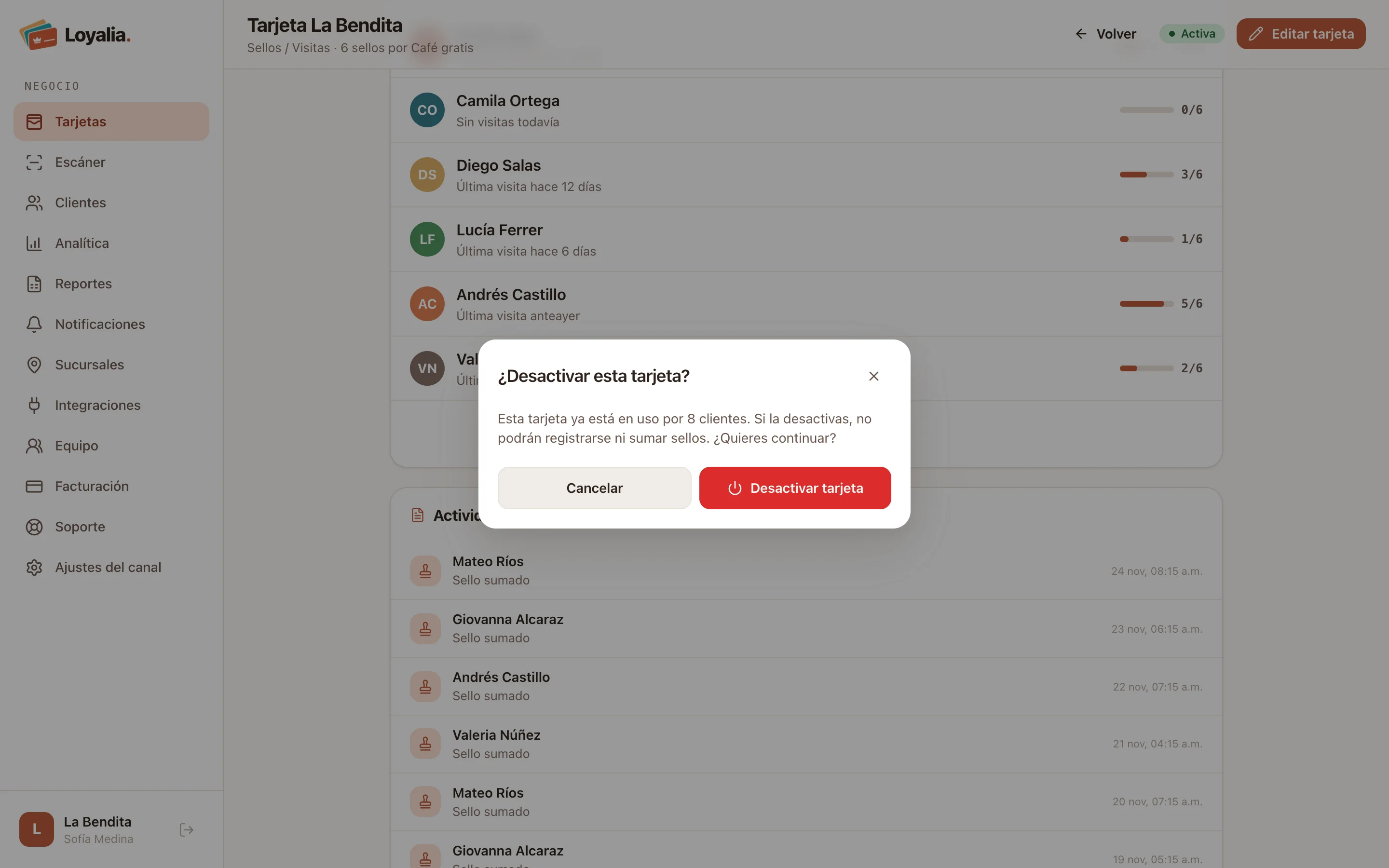
On your card's page switch off Card active and confirm. While it's off, nobody can sign up or collect stamps. You can turn it back on whenever you like.
Web dashboard -
2
Delete it, if you won't use it again
With the card turned off, Delete card becomes available at the bottom of the page.
Deleting it erases the memberships, stamps and history of all its customers, and it can't be undone. If you only want to pause it, turn it off.