
2.16 How to redeem the reward
Hand over the reward when your customer fills their card.
Web dashboard
App
At the register
-
1
Scan the card
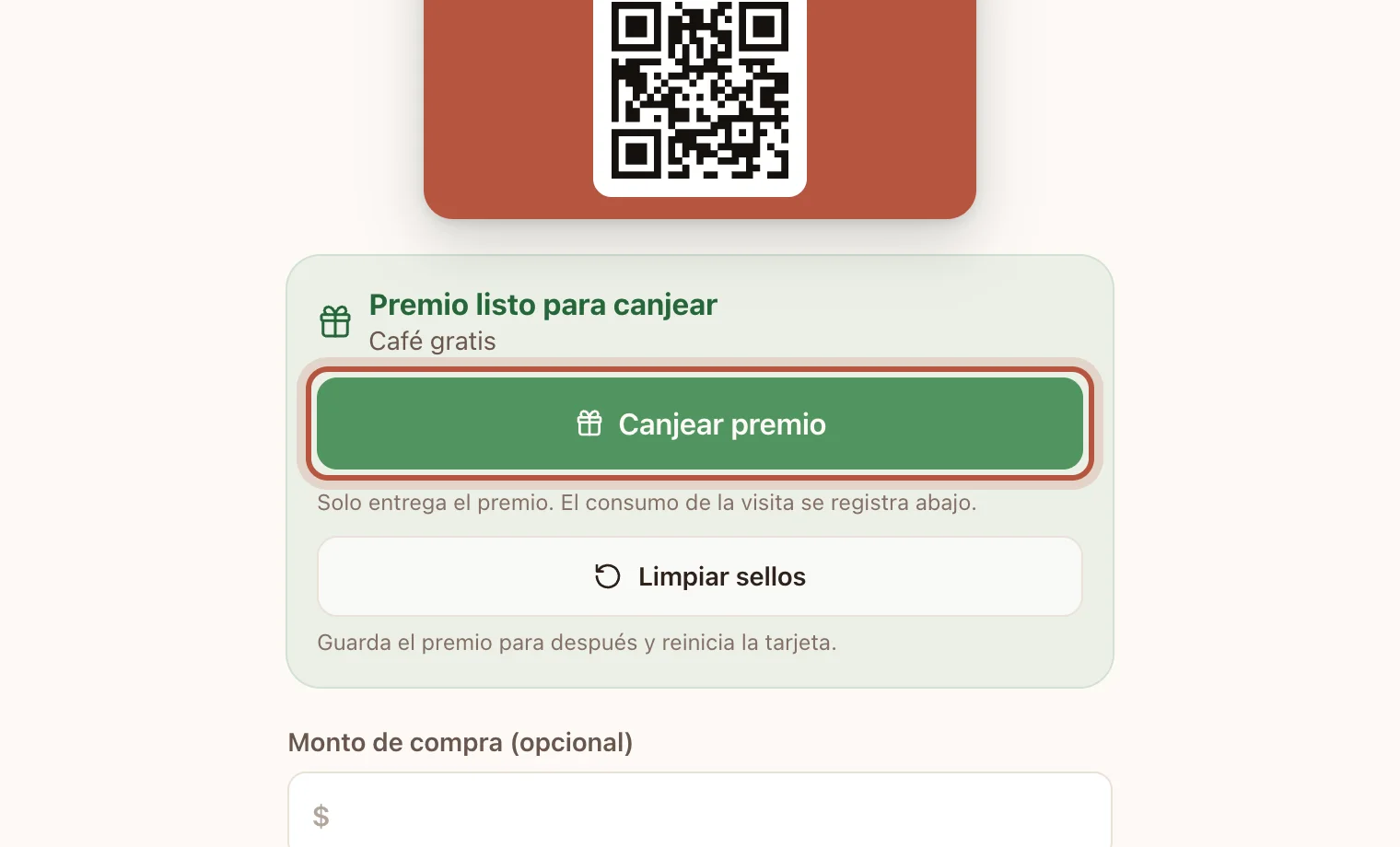
When your customer completes their stamps, scanning them shows Reward ready to redeem with the name of their reward.
Web dashboard -
2
Tap Redeem reward
Confirm and hand over the reward. If they also bought something on this visit, record it separately with Record visit: redeeming only hands over the reward.
-
3
The card starts over
If your card has Reset on redeem, the stamps go back to zero and your customer starts collecting again.