
6.5 How to create class packages
Build your menu, such as a single class, 4 classes in 30 days or unlimited monthly.
Web dashboard
App
-
1
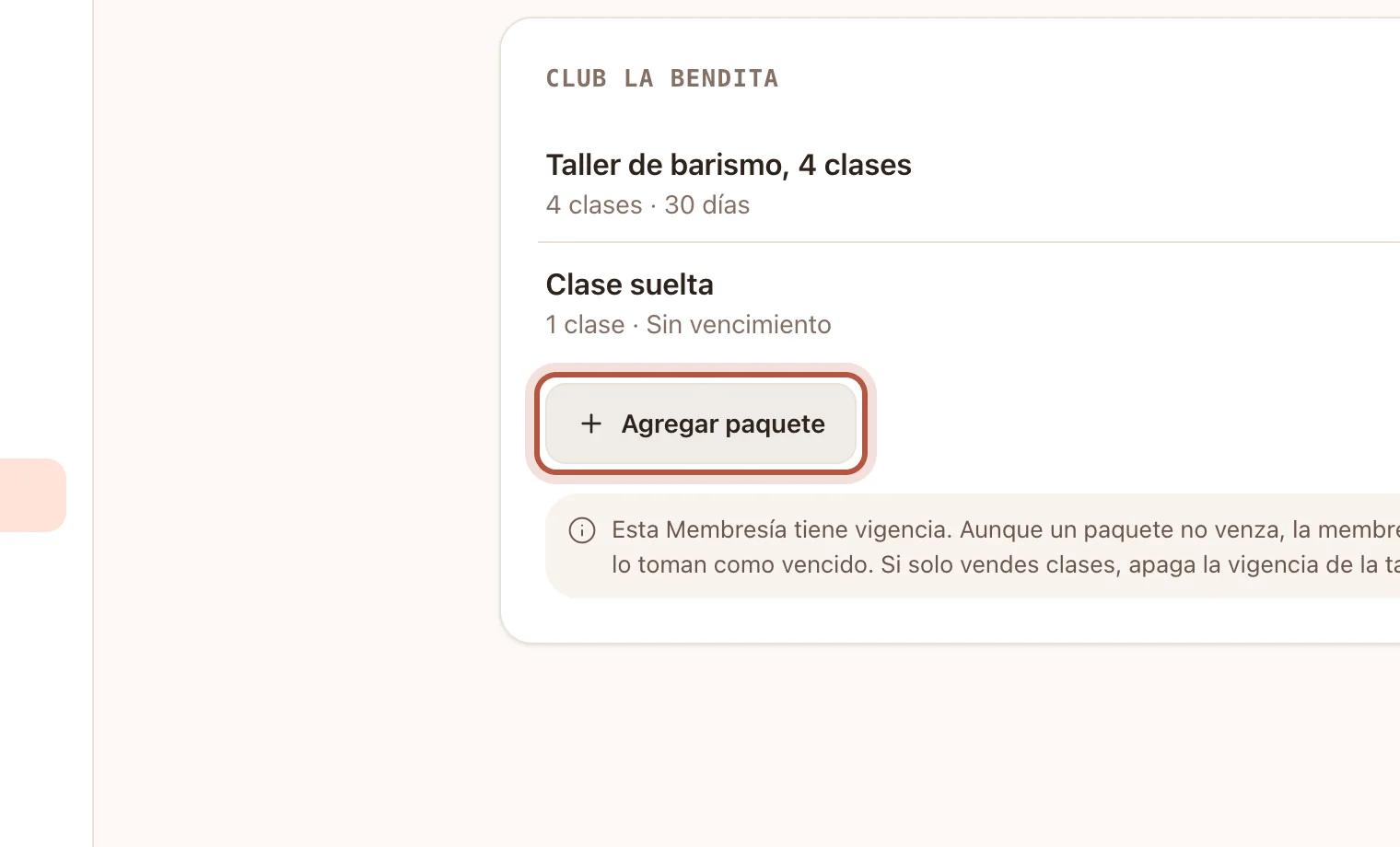
Open Integrations › Memberships › Packages
You'll see each membership's packages. Tap Add package.
Web dashboard -
2
Say what you sell
Enter the Name and choose Number of classes (for example 4) or Unlimited. Tap Next: in the other two steps you set how long it lasts from when the member starts it and its price.
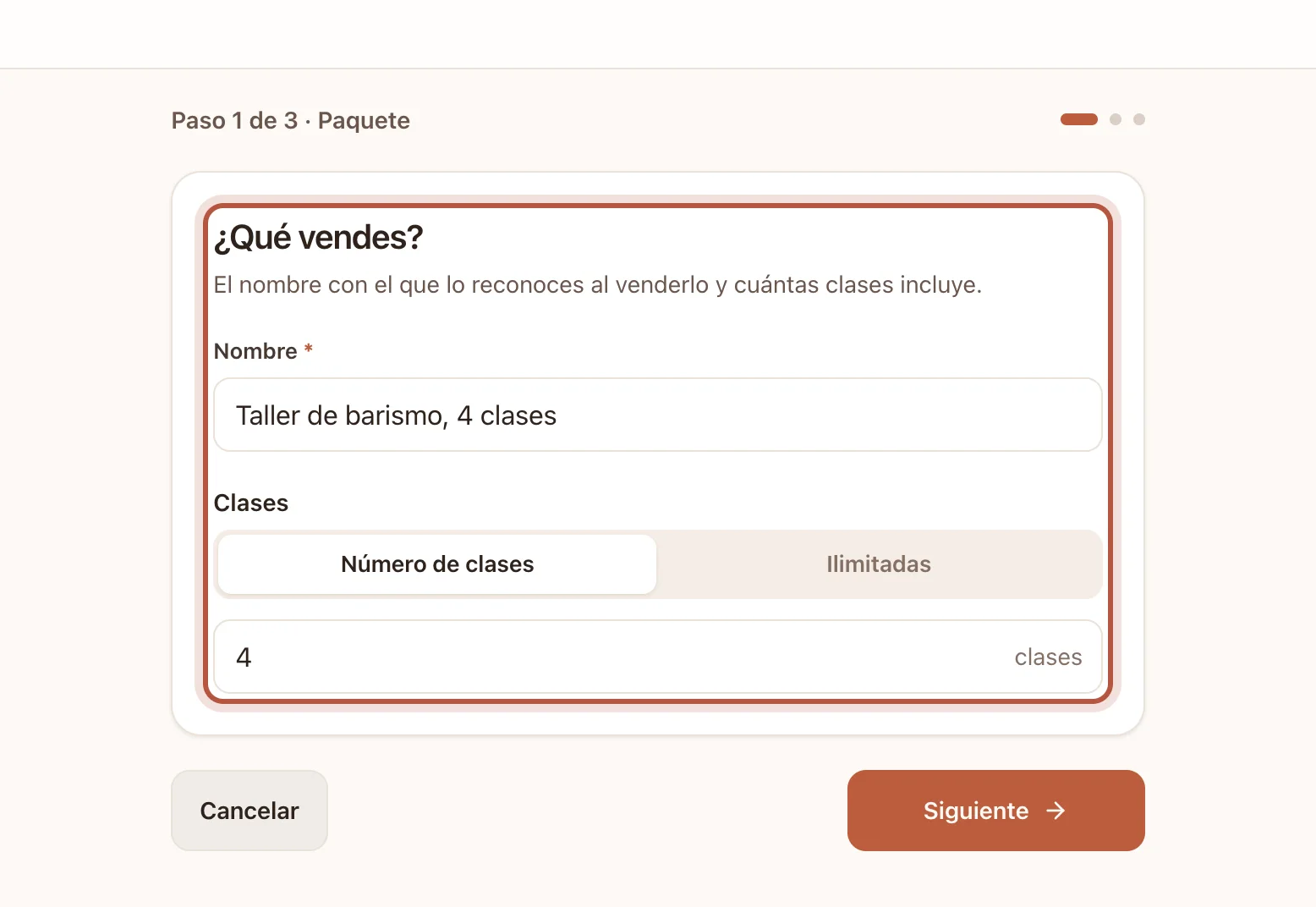
Web dashboard The price is for your team to see when selling; Loyalia doesn't charge the member anything.
-
3
Edit or remove a package
From the same list tap Edit or Remove. Changing a package doesn't alter what your members already bought.