
6.4 How to renew or change a member's expiry
When a member pays their renewal, extend their date from their record.
Web dashboard
-
1
On the record, tap Edit under Expiry
Open the member's record and, under Expiry, tap Edit.
Web dashboard -
2
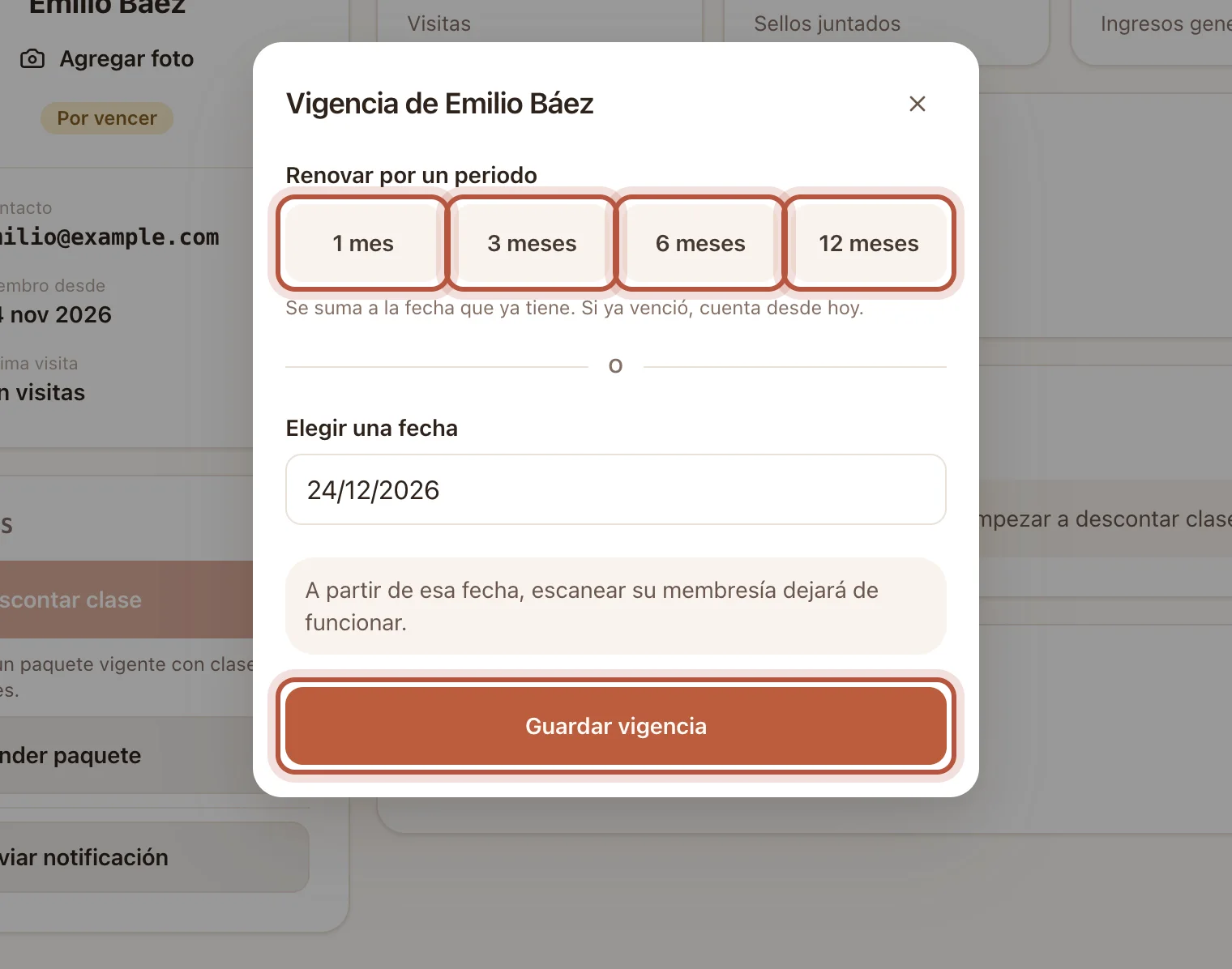
Choose the new period
Tap 1, 3, 6 or 12 months, or type the exact date in Pick a date. Then tap Save expiry.
The new date updates on its own on your member's Wallet card.