
8.1 How to see and search your customers
All your customers and their progress on each card.
Web dashboard
App
-
1
Open Customers
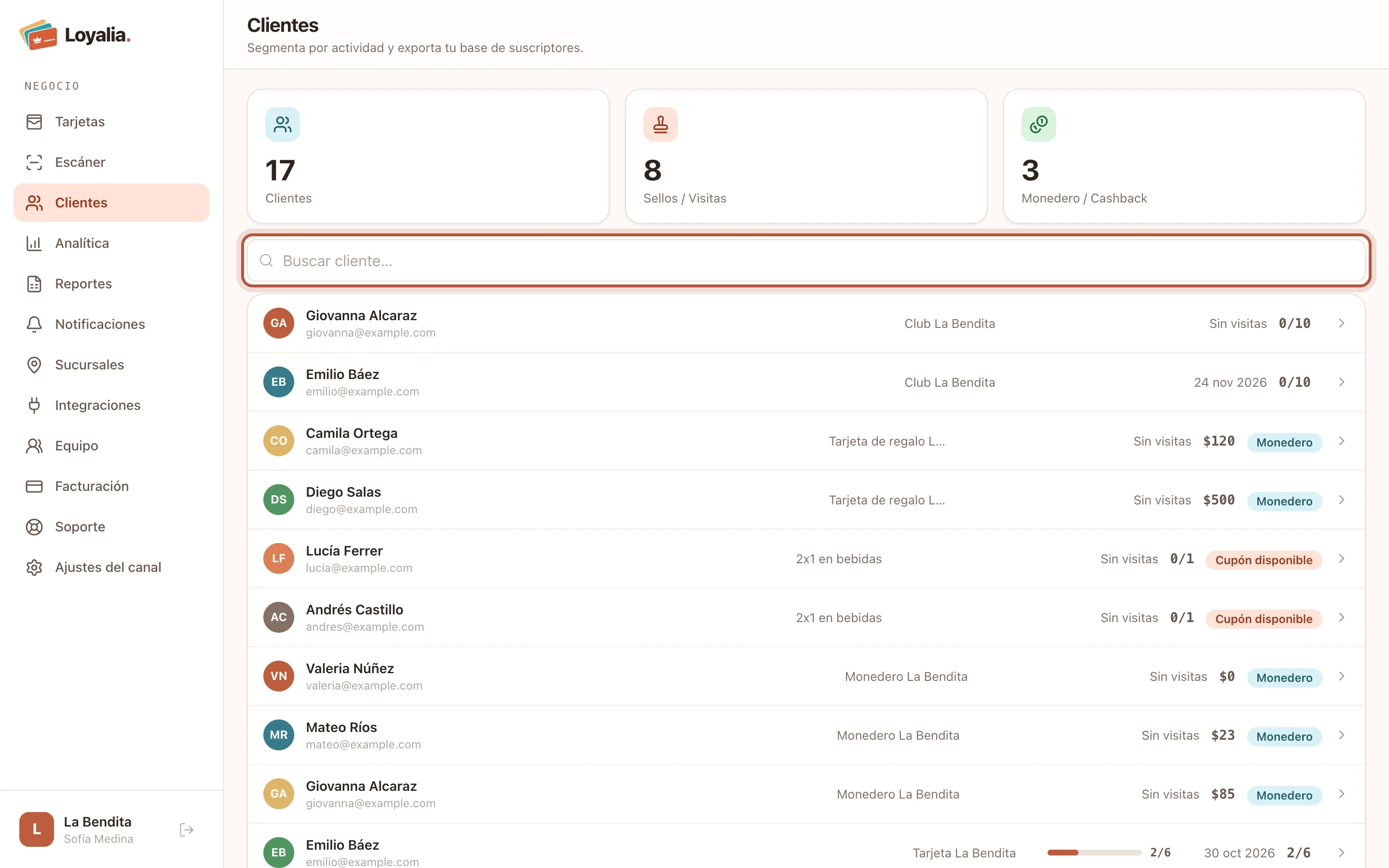
In the left menu go to Customers. At the top you see how many customers you have and how many are on each card type.
Web dashboard 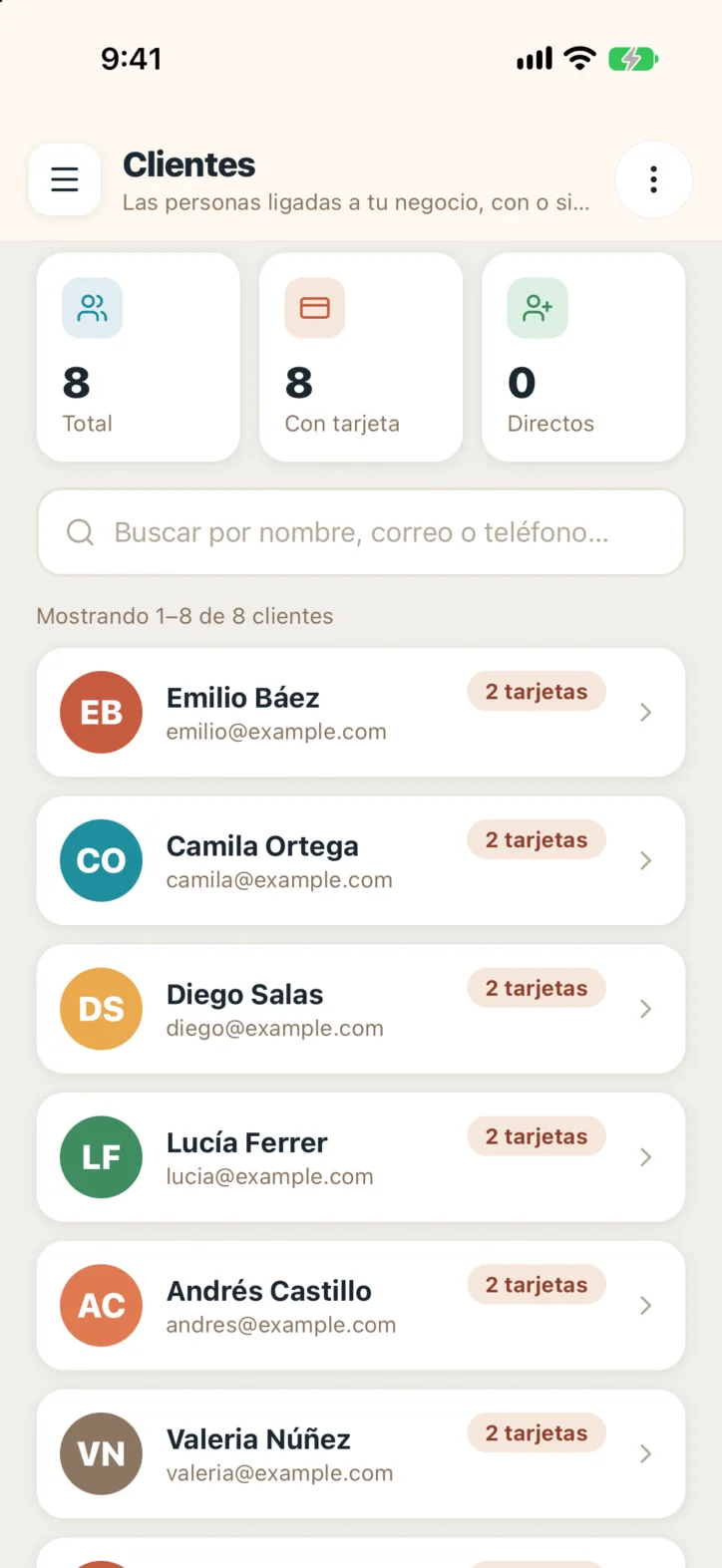
App -
2
Look someone up
Type their name, email or phone in Search customer…. Each row is a customer on one card: their last visit and their progress (stamps, balance or coupon available).
A customer with several cards shows up once per card.
-
3
Open their record
{:"Tap the row to see their record on that card"=>"their details, their Actions and their History (8.2 What you can do from a customer's record)."}