
6.2 How to create a membership
The Membership card type, its validity and, if you want, levels.
-
1
Choose Membership card
In Cards tap New card, choose Membership card and tap Continue.
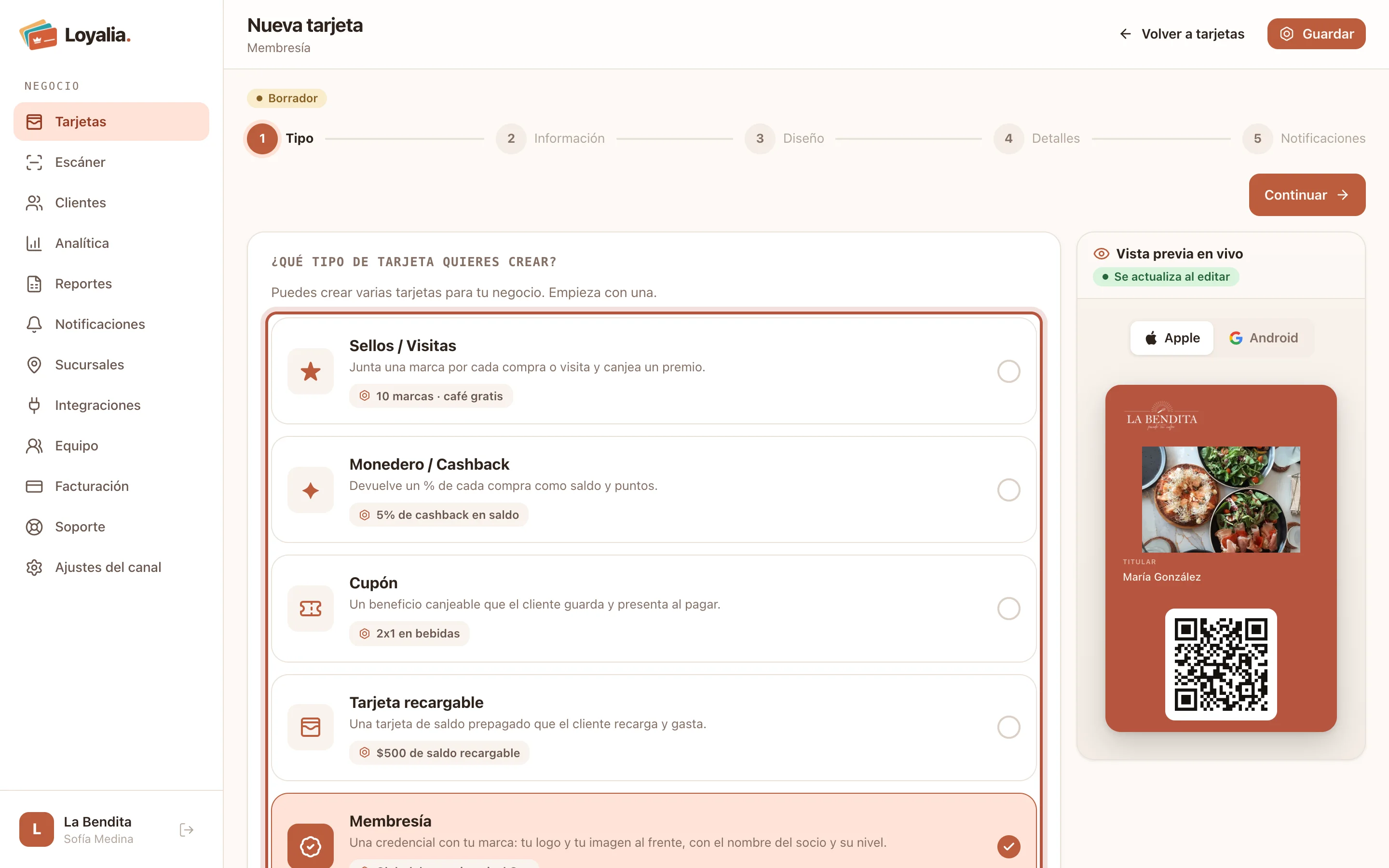
Web dashboard 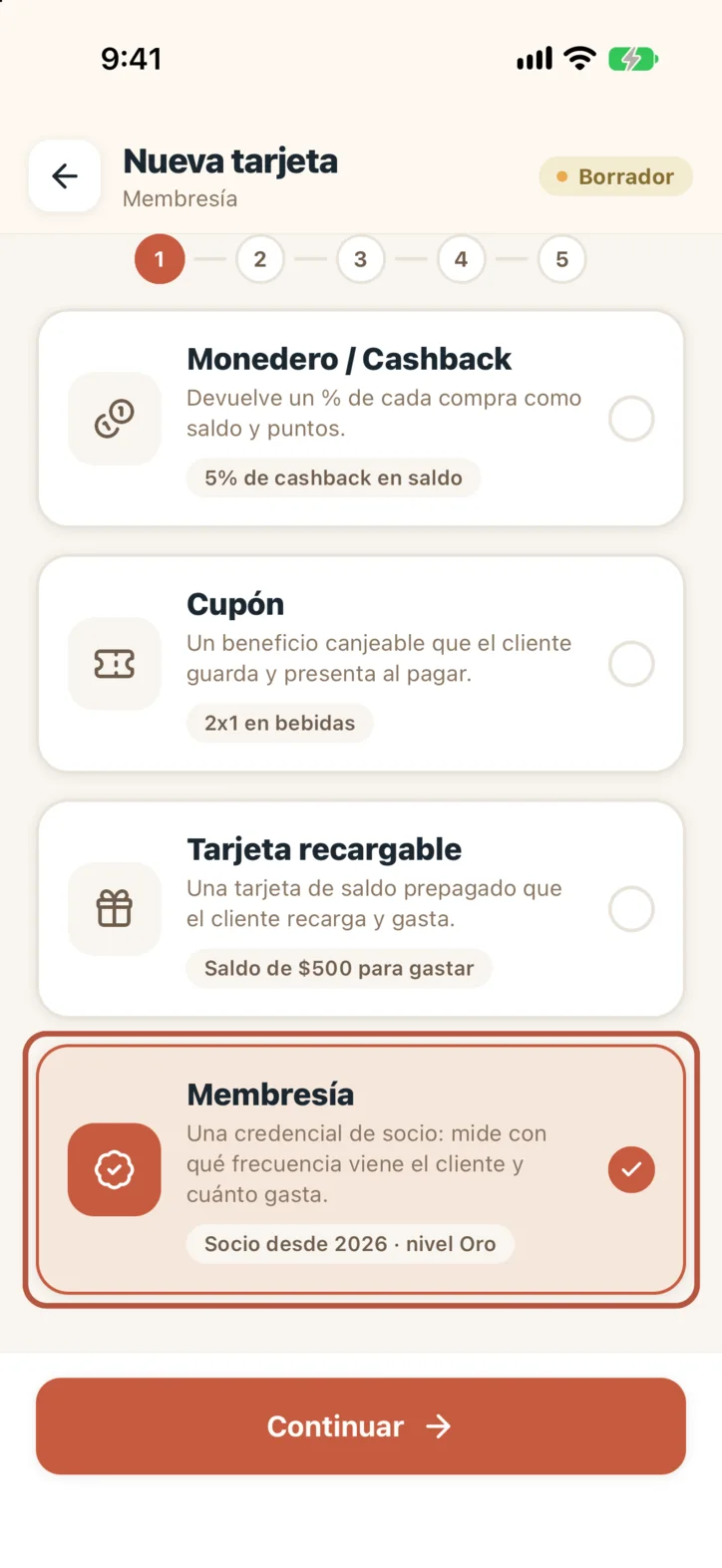
App -
2
Name it
For example "Club La Bendita" or "Monthly membership".
-
3
Set the validity
The most common choice is Fixed term after adding: for example 1 month from when the member signs up. The other options are in 2.9 Card expiry and renewal.
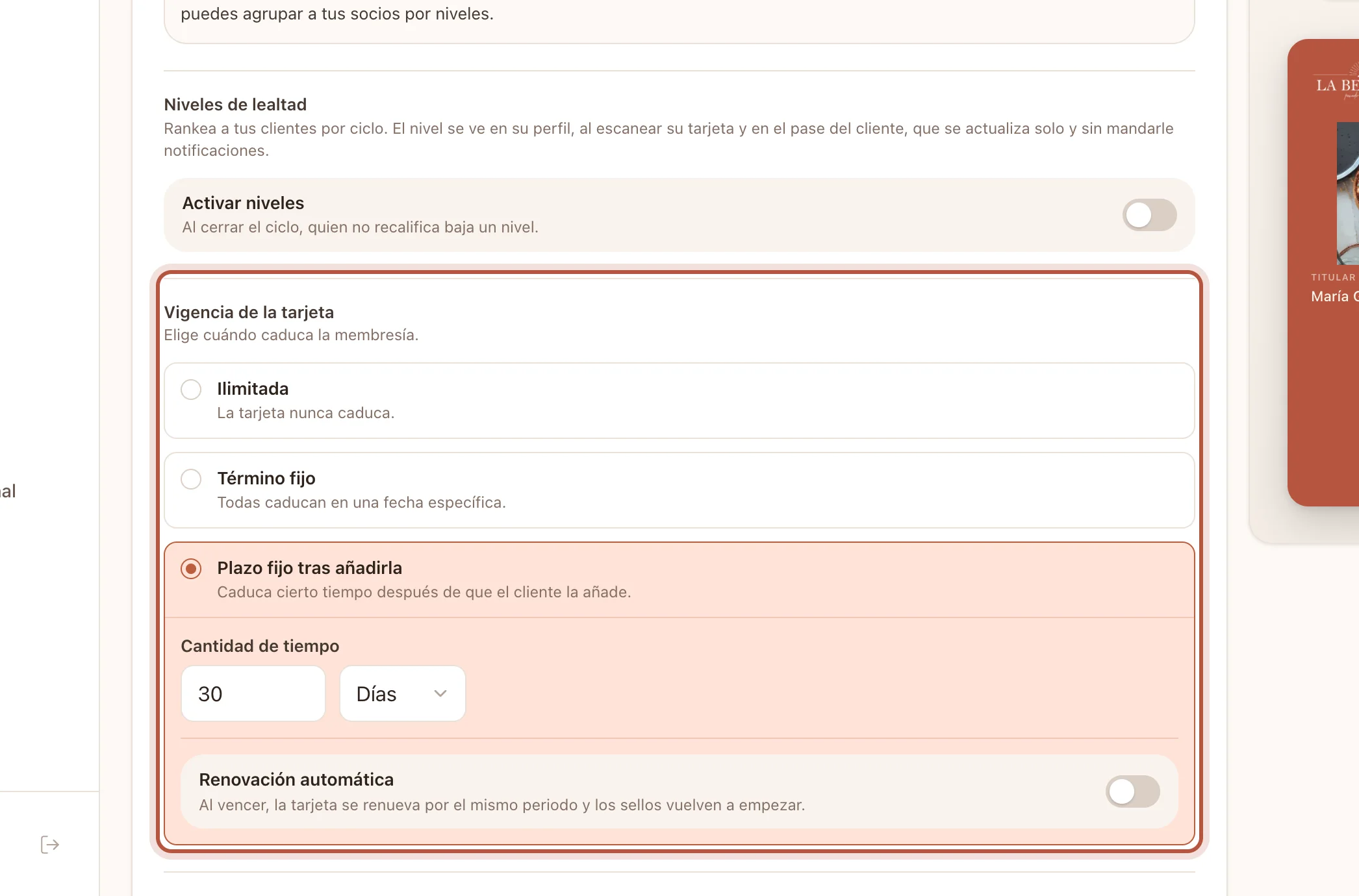
Web dashboard Each member can have their own expiry date; you change it from their record (6.4 How to renew or change a member's expiry).
-
4
Levels (optional)
If you want to set your most regular members apart, turn on Loyalty levels (2.7 How to use loyalty levels (Bronze, Silver, Gold)).
-
5
Design, details and notifications
Same as for stamps: 2.11 How to design your stamp card, 2.12 How to add links and information to your card and 2.13 How to set up automatic notifications. A membership also has Membership expiring, to warn the member a few days ahead.
-
6
Turn it on and share it
Tap Go to card, switch on Card active and share the link or the QR (2.14 How to turn on and share your card).