
5.3 How to load balance
When your customer pays you for a top-up, add it to their card.
Web dashboard
App
At the register
-
1
Scan the card
In Scanner scan the QR or look up your customer. You'll see their card's balance.
Web dashboard -
2
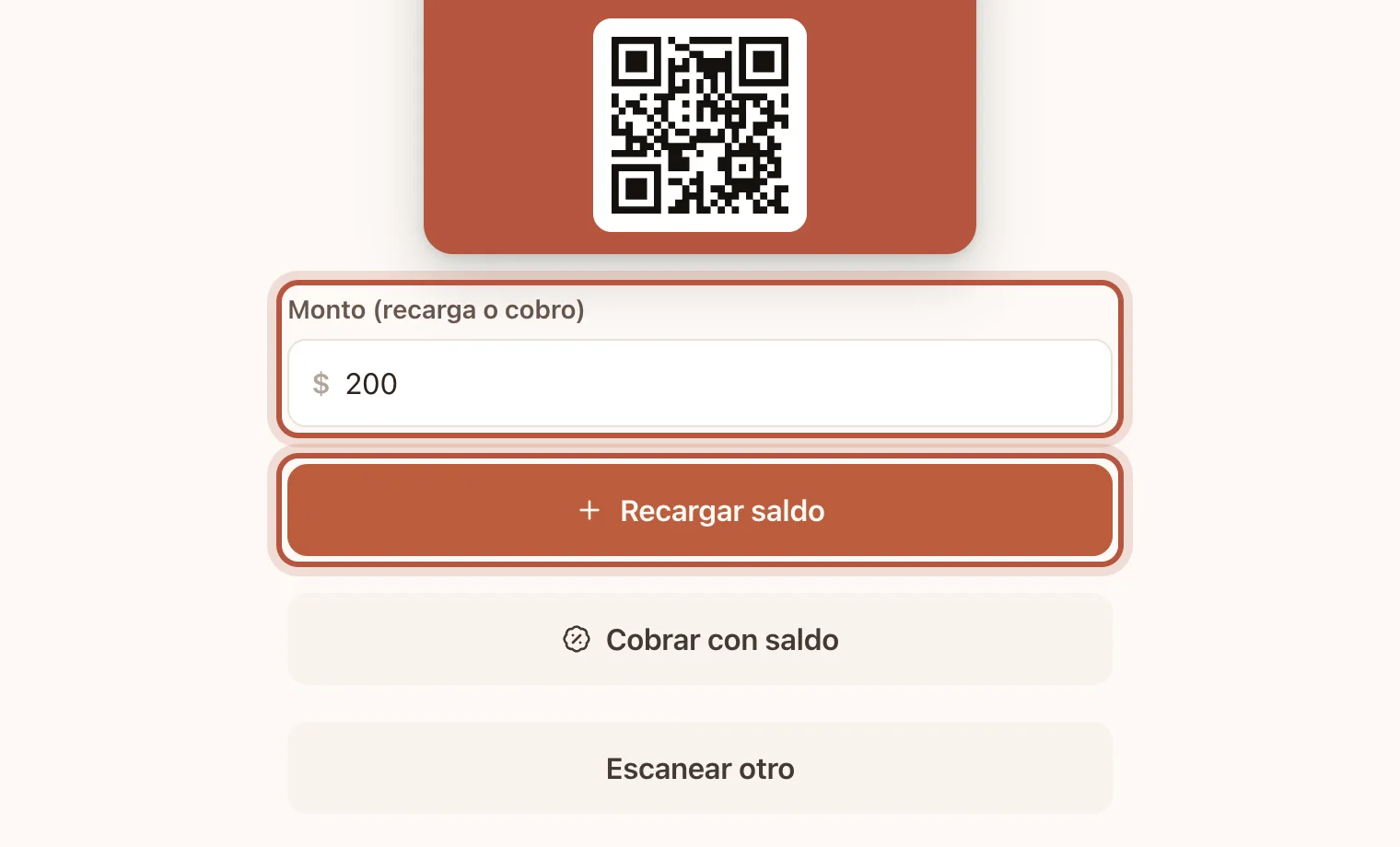
Enter the amount and tap Load balance
In Amount (load or charge) enter what they paid you and tap Load balance.
-
3
Confirm
The new balance shows on their phone right away.