
2.20 How to edit a card that already has customers
What happens to your customers' cards when you change something.
Web dashboard
App
-
1
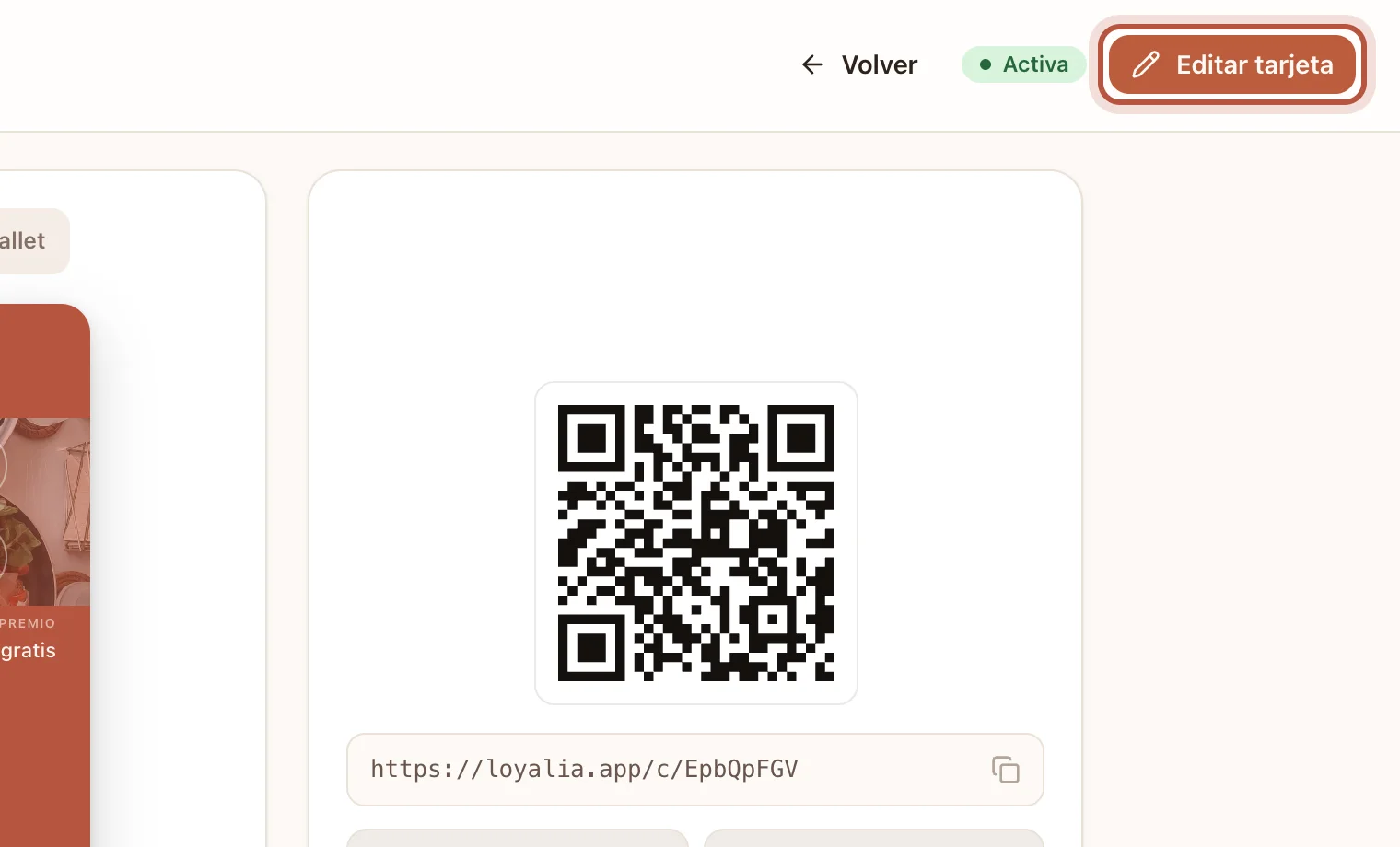
Tap Edit card
On your card's page tap Edit card. The same wizard you created it with opens.
Web dashboard -
2
Changes reach your customers
Whatever you save (reward, number of stamps, expiry or design) is sent to the cards your customers already have, in Apple Wallet and Google Wallet.
Changing the number of stamps adjusts everyone's progress: 7 of 10 becomes 7 of 12.
-
3
What can't be changed
The card type. If you need to move your stamp card to another type, write to us from Support: we do it without your customers having to sign up again.