
1.5 How to add your branches
Register each location with its address.
Web dashboard
App
-
1
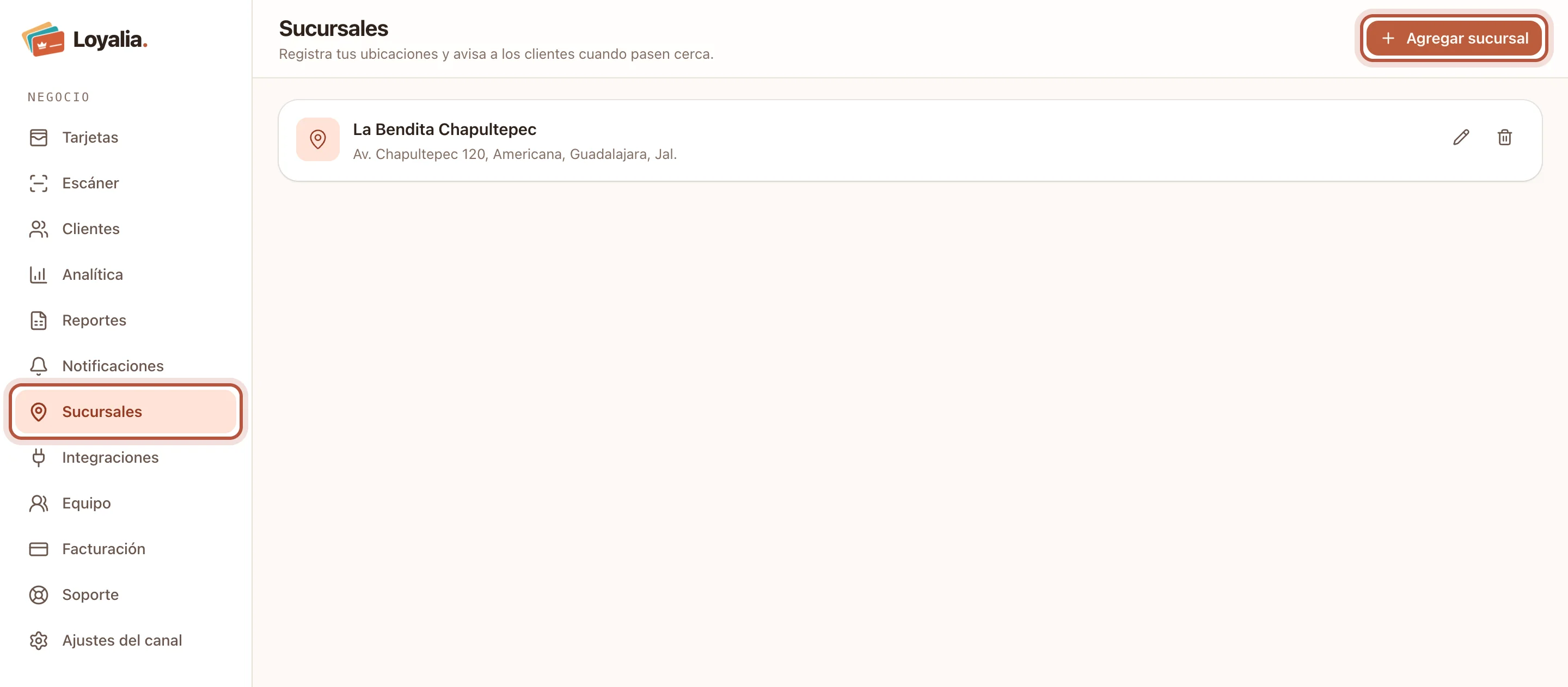
Open Branches and tap Add branch
In the left menu go to Branches.
Web dashboard 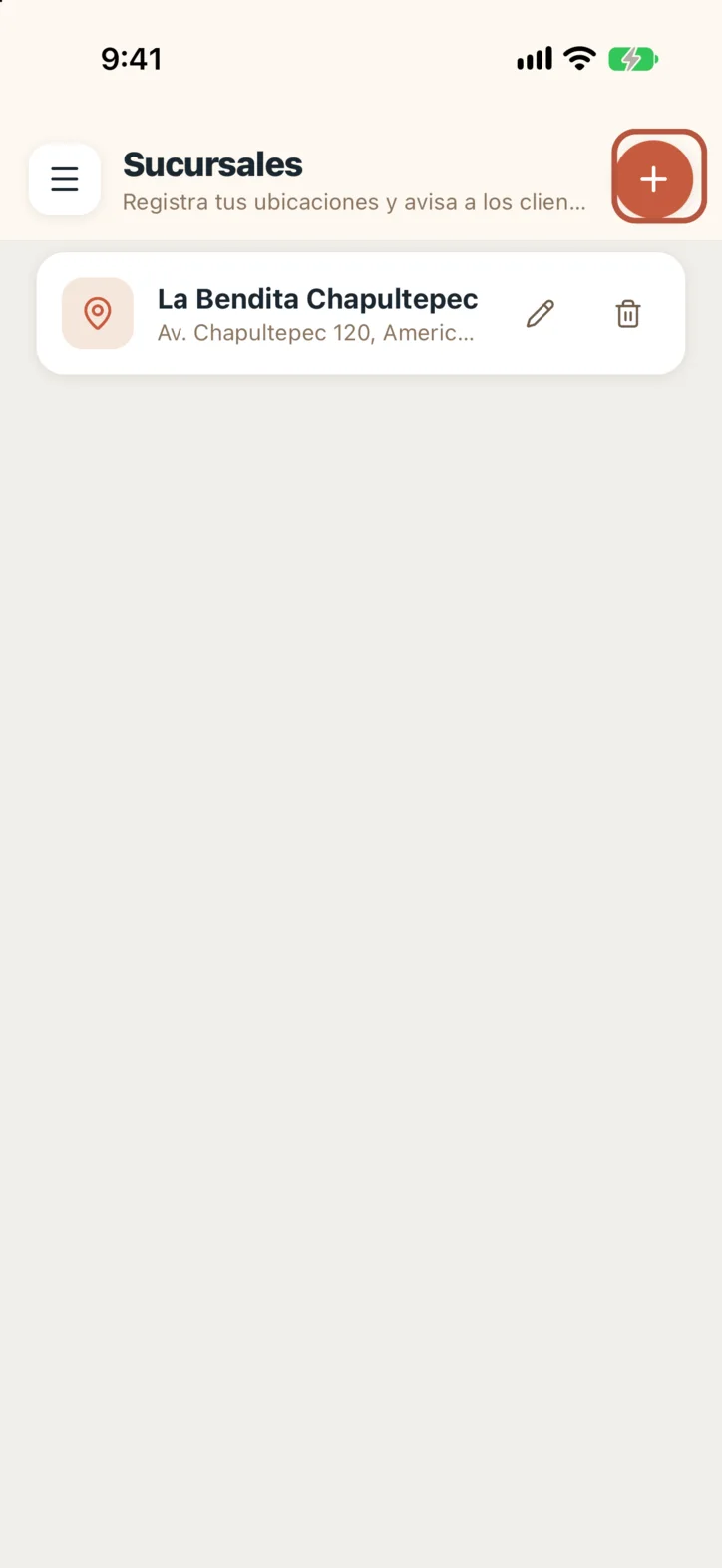
App -
2
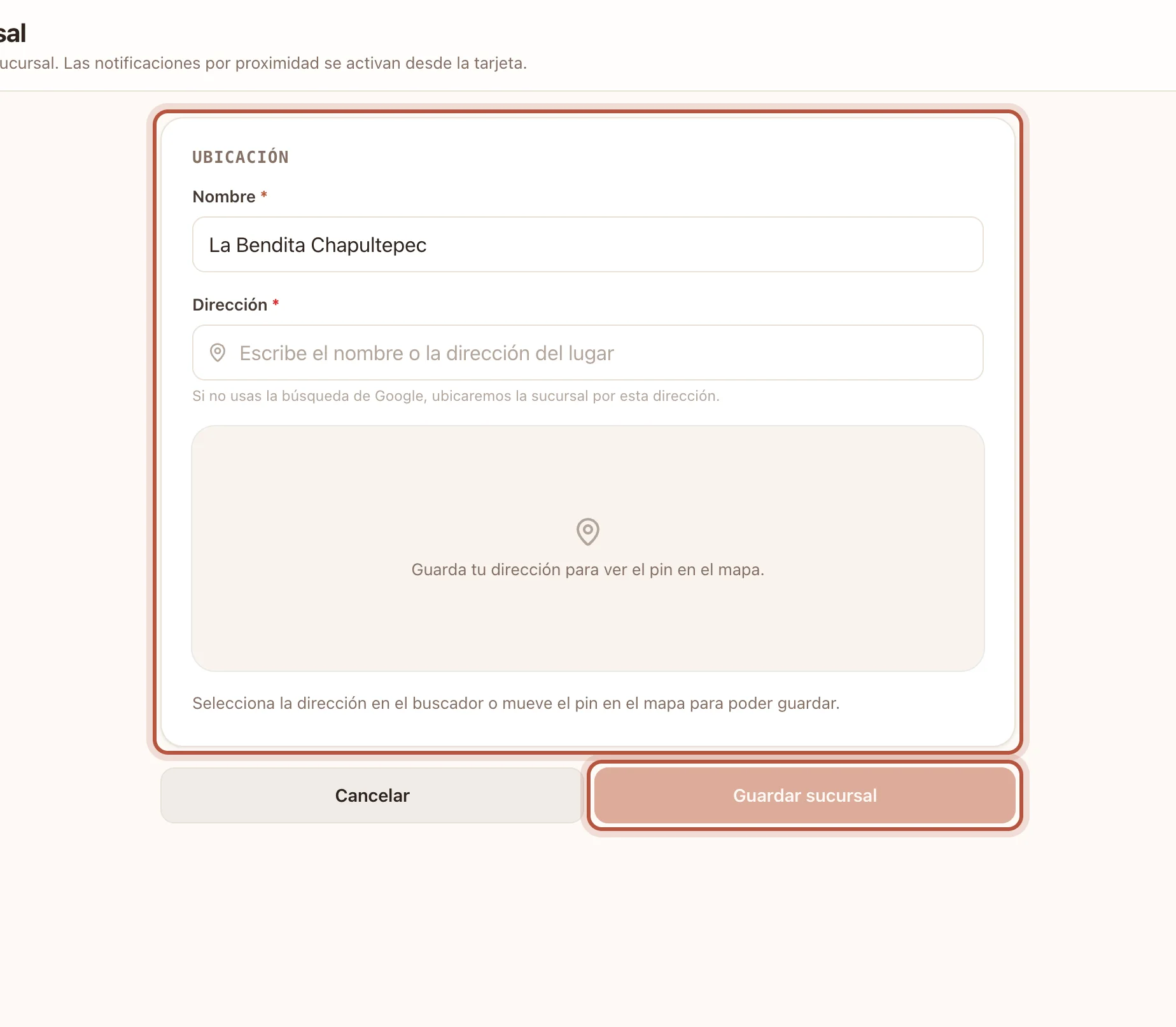
Enter the name and address
Give it a name ("La Bendita Chapultepec") and start typing the Address: pick the right one from the suggestions so it's placed correctly on the map. Tap Save branch.
Web dashboard -
3
Add as many as you need
You can have several branches on one account. Your cards, customers and team are the same at all of them.