
6.3 How to see your members and their expiry
Who is current, who is due soon and who has expired, in one list.
Web dashboard
-
1
Open Integrations › Memberships
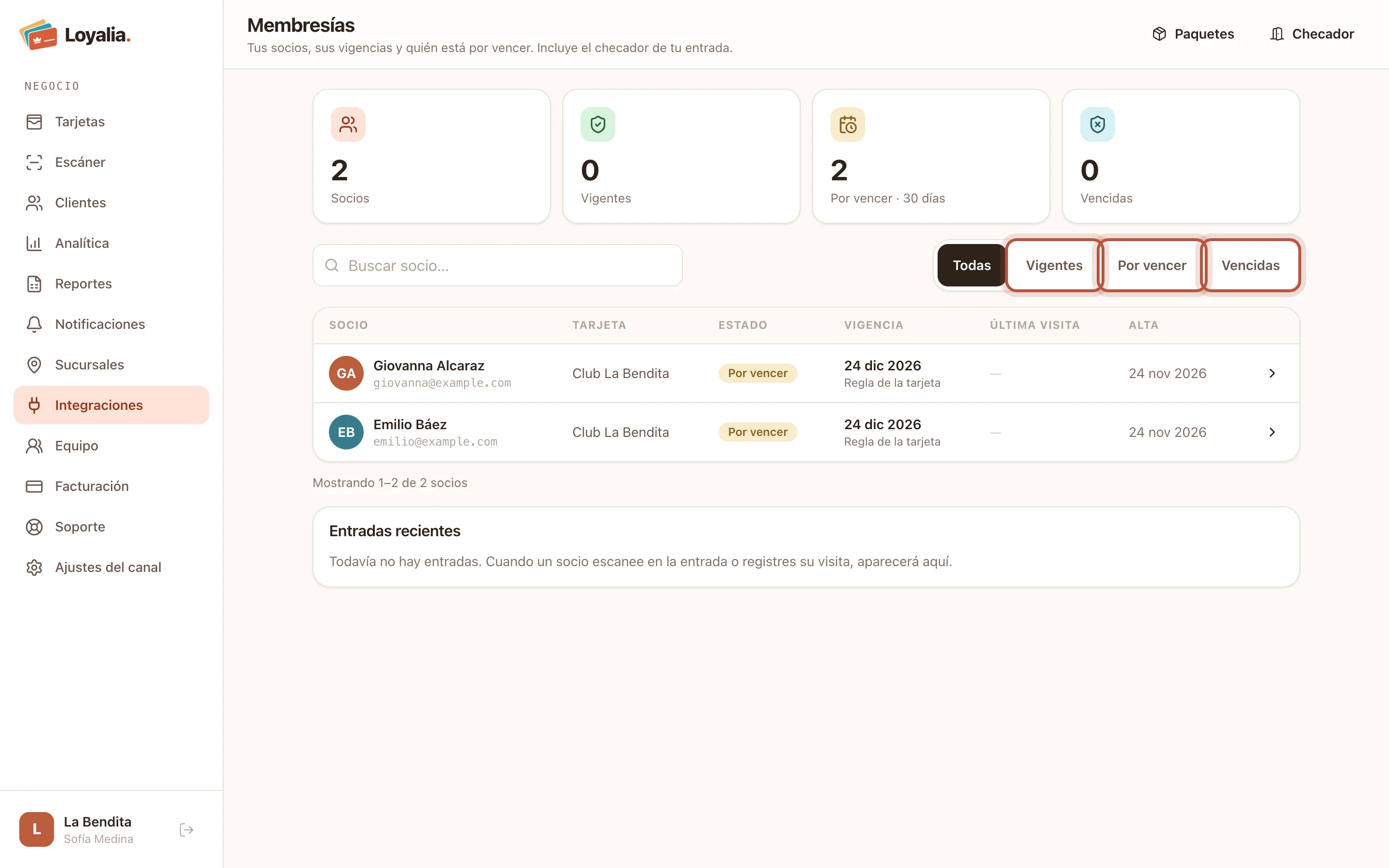
In the menu go to Integrations and open Memberships. At the top you see how many members you have, how many are current, due soon within 30 days and expired.
Web dashboard 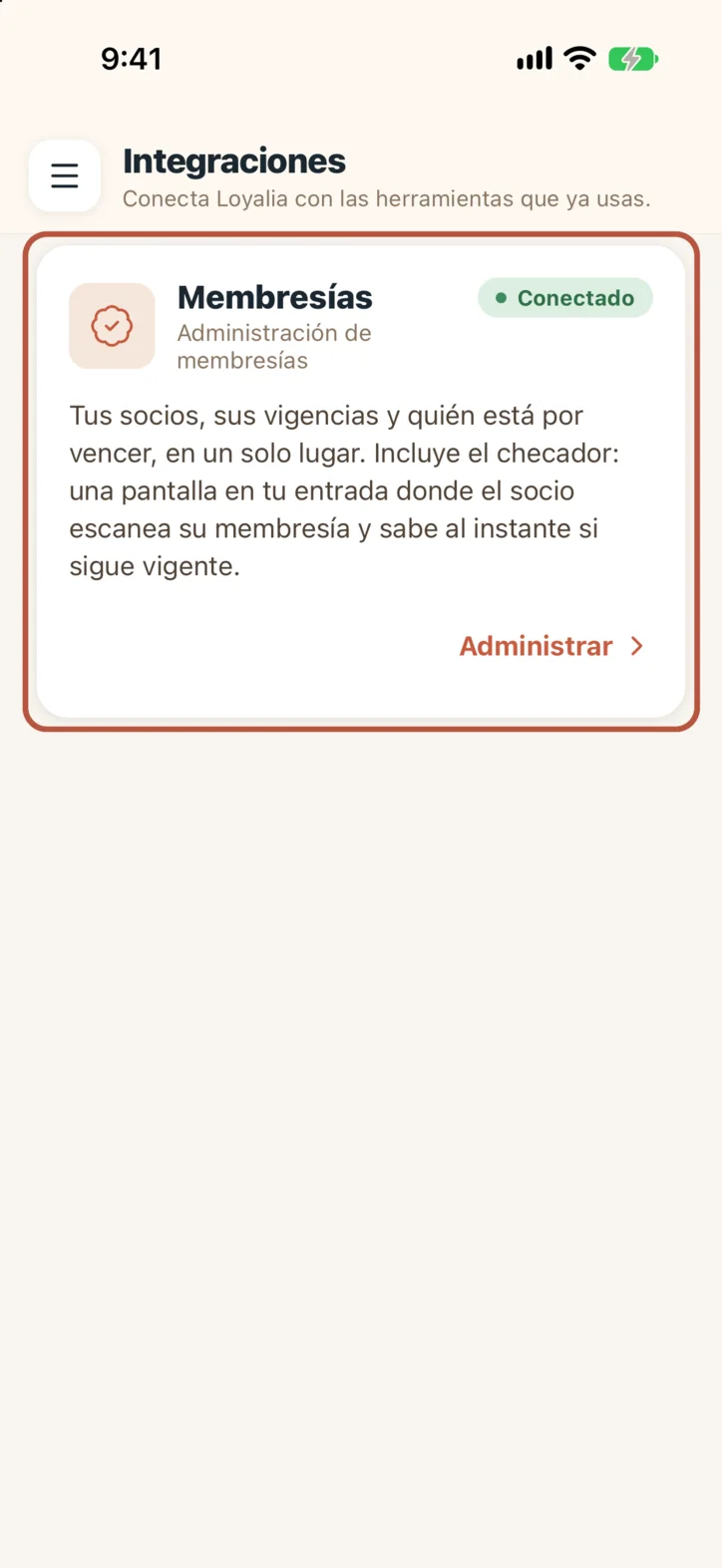
App -
2
Filter and search
Use All, Current, Due soon or Expired, or type a name in Search member…. The Expiry column tells you whether the date comes from the card's rule or is the member's own date.
-
3
Open the member's record
Tap Open record to sell a package, change their expiry or see their history.