
3.7 How to fix a mistake on a wallet card
Adjust the balance or delete a wrong entry from the customer's profile.
Web dashboard
-
1
Open your customer's profile
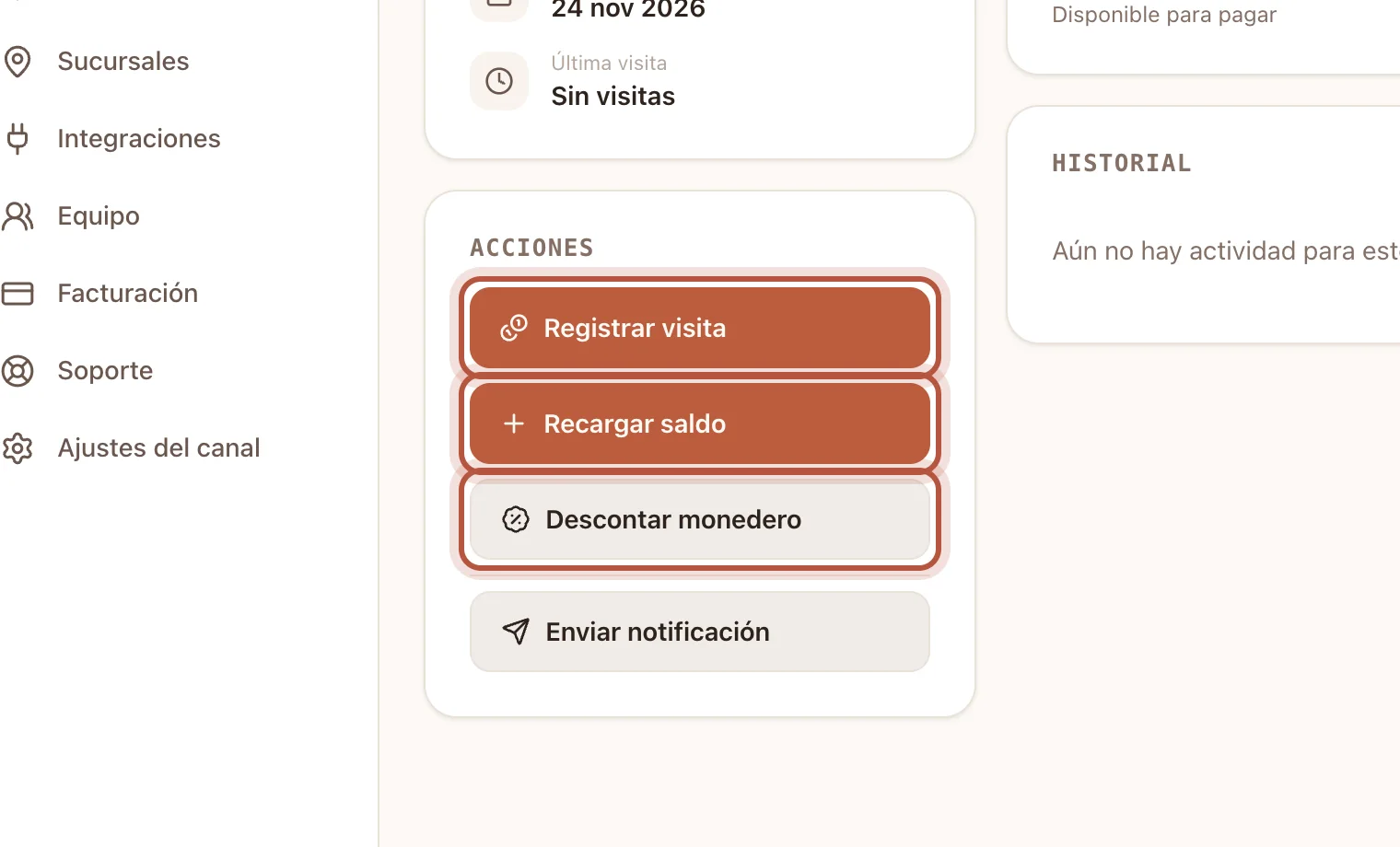
In Customers tap their name. Under Actions you have Record visit, Load balance and Apply wallet discount in case something slipped at the register.
Web dashboard -
2
Delete the wrong entry
In History, the bin next to an entry deletes it and undoes its effect on the balance, as in 2.18 How to fix a mistake: add or remove stamps.